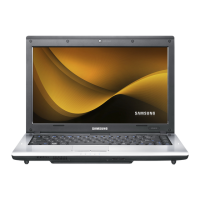
To remove a memory card
Take hold of the end of the card and remove the card.
To format a memory card
When using the memory card for the rst time, you must
format the card before using it.
Formatting a card deletes all data saved on the card.
If the card includes data, backup the data before
formatting it.
1
Click Start > Computer.
2
Right-click over a card drive with the touchpad and
select Format.
3
Click Start to the formatting.
To use a card to exchange data with a digital device
such as a digital camera, formatting the data using
the digital device is recommended.
When you try to use a card, which is formatted in the
computer, in another digital device, you may have to
format the card again in the device.
You cannot format, write or delete data from a SD, or
SDHC card with a write protection tab when it is in
the Lock position.
Inserting and removing a memory card repeatedly
may damage the memory card.


 To Next Page
 Loading...