
 Need help?
Do you have a question about the Samsung SC-DX205 and is the answer not in the manual?
Details the main features of the camcorder.
Provides essential steps for initial setup and operation.
Covers essential preparation steps like battery charging and initial settings.
Covers recording, editing, and managing content on DVD discs.
Details on recording, playback, and file management using memory cards.
Guide to accessing and utilizing the camcorder's various menu options.
Instructions for connecting the camcorder to TVs and other AV equipment.
Steps for connecting the camcorder to computers via USB for data transfer.
General tips for cleaning, storing, and caring for the camcorder.
Solutions for common operational problems, warnings, and errors.
Technical details and system requirements of the camcorder.
Information regarding the limited warranty and its exclusions.













 To Next Page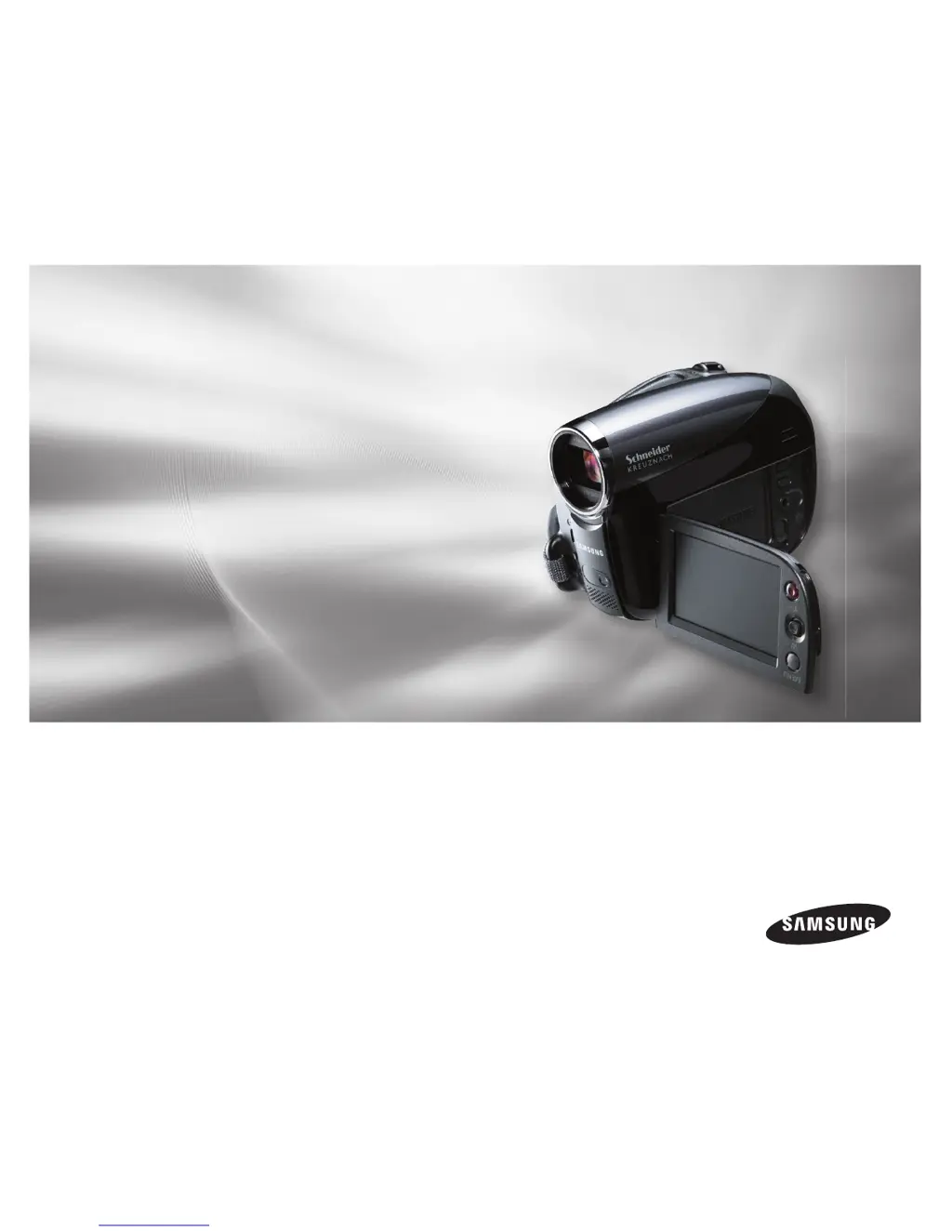
 General