English _27
● INSTALLATION & CONNECTION
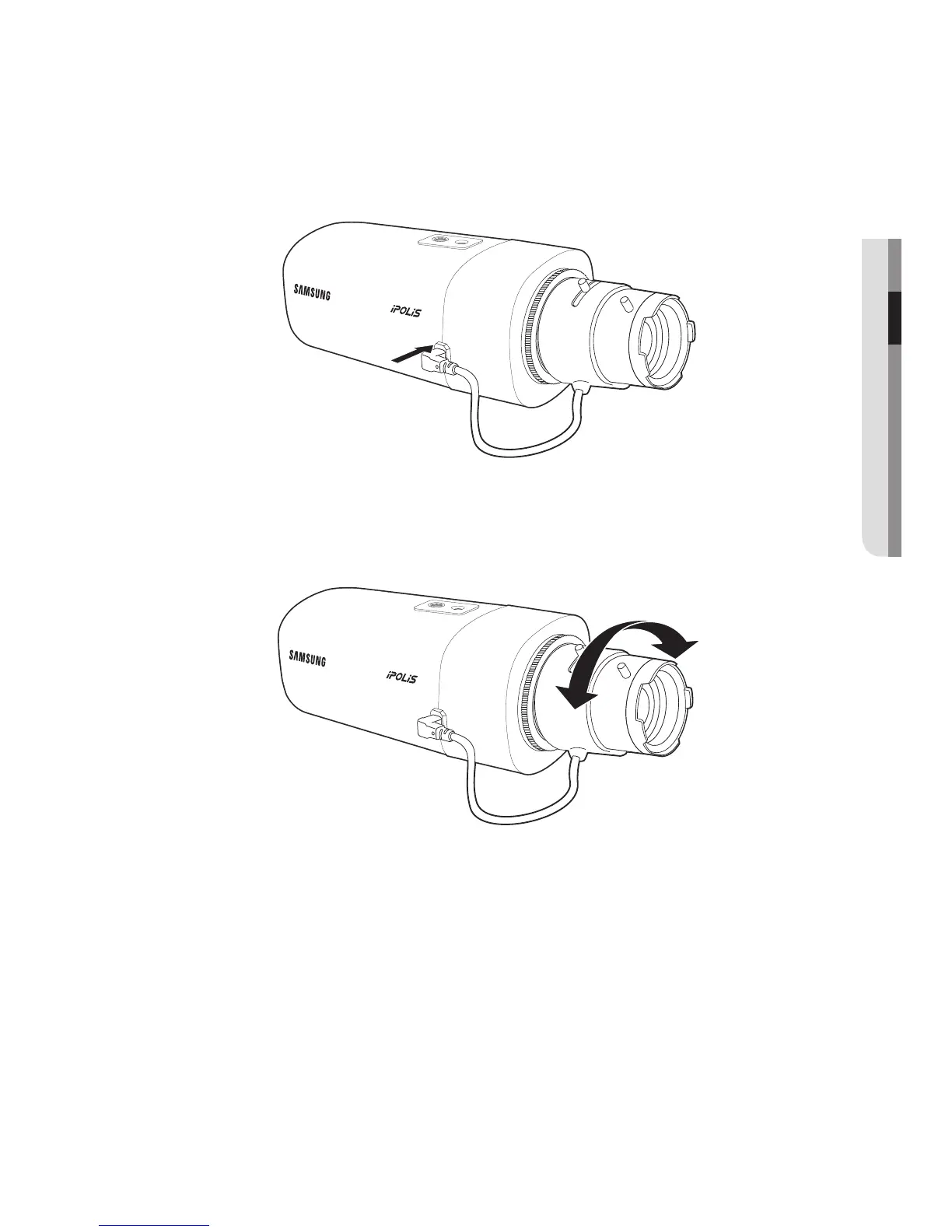
Connecting the Auto Iris Lens connector
Plug the iris connector of the lens in the camera connecting groove.
Focusing
Select a target to film, turn the zoom lever of the lens to adjust the magnification and then
focus the lens so that target is clearly displayed.
M
`
After focusing with the zoom lever of the lens, press the [FOCUS] button on the rear of the camera
to adjust the lens even more clearly. (It is applicable only to the SNB-6004 model.)


 To Next Page
 Loading...