GB
43
Using the recording functions
x
Picture Effect
1
Select (Picture Effect) (page 41).
2
Select the desired effect by turning the control wheel. Or,
slide your finger across the screen upward or downward to
select the desired effect.
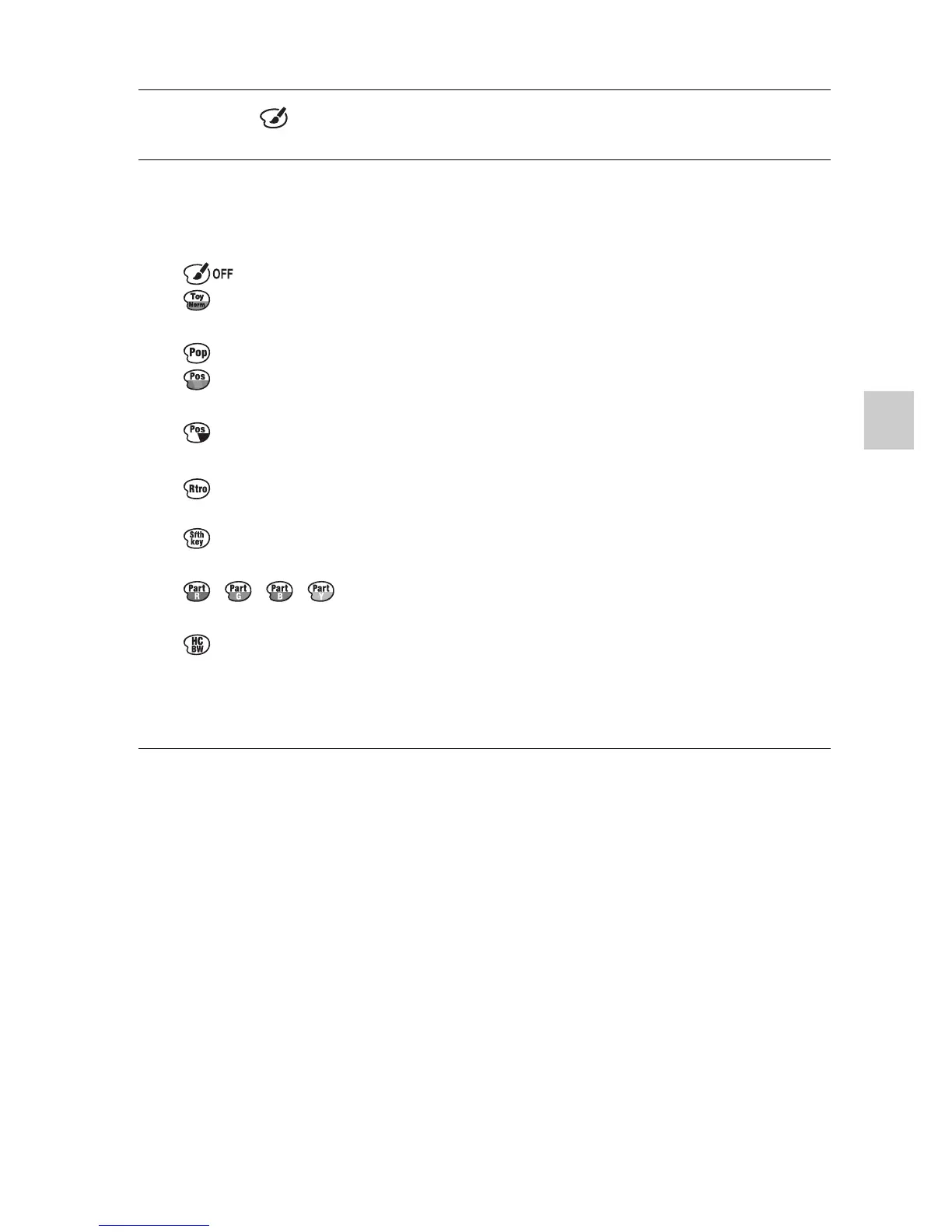
(Off): Disables the Picture Effect function.
(Toy Camera): Creates the look of a Toy Camera photo with
shaded corners and pronounced colors.
(Pop Color): Creates a vivid look by emphasizing color tones.
(Posterization: Color): Creates a high contrast, abstract look by
heavily emphasizing primary colors.
(Posterization: B/W): Creates a high contrast, abstract look in
black and white.
(Retro Photo): Creates the look of an aged photo with sepia color
tones and faded contrast.
(Soft High-key): Creates an image with the indicated atmosphere:
bright, transparent, ethereal, tender, soft.
(Partial Color): Creates an image which retains the
specified color, but converts others to black and white.
(High Contrast Mono.): Creates an image with high contrast in
black and white.
• You can use more picture effects. Select MENU t [Brightness/ Color]
t [Picture Effect].


 To Next Page
 Loading...












