GB
51
Using the recording functions
x
Aperture Priority
You can adjust the range in focus, or defocuses the background.
1
Select A (Aperture Priority) (page 47).
2
Turn the control dial to select the desired value.
Or, touch / on the screen to select the desired
value.
• You can record a movie with a value adjusted with [Aperture Priority].
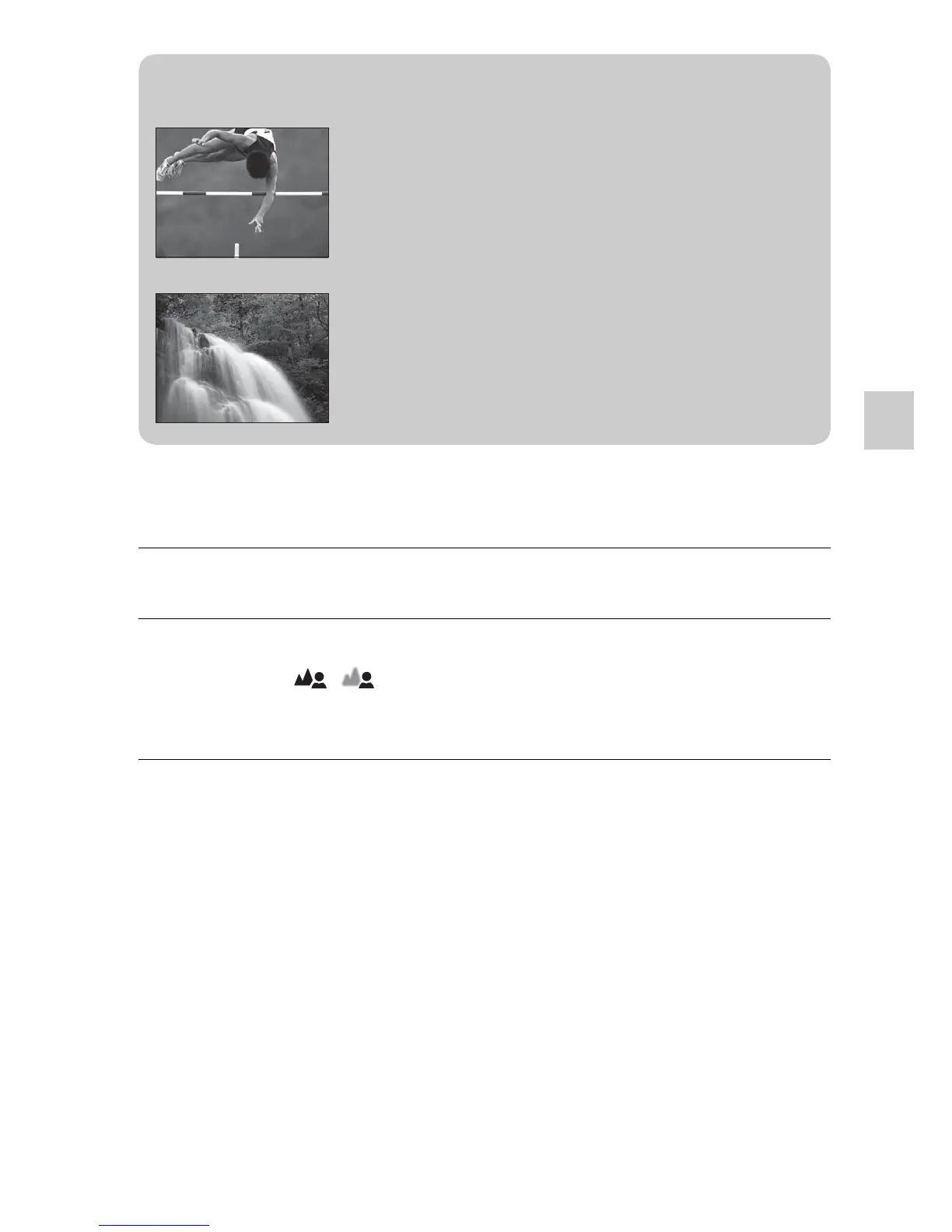
z Shutter speed
When a faster shutter speed is used, a moving
subject such as a running person, cars, and sea
spray appears as if they are stopped.
When a slower shutter speed is used, a trailing
image of the movement of the subject is captured
to make more natural and dynamic image.


 To Next Page
 Loading...












