GB
77
Connecting the camera to a network
Connecting the camera to a network
Transferring images to a Smartphone
You can transfer still images to a Smartphone and view them. Download the
application “PlayMemories Mobile” to your Smartphone from the application
store.
1
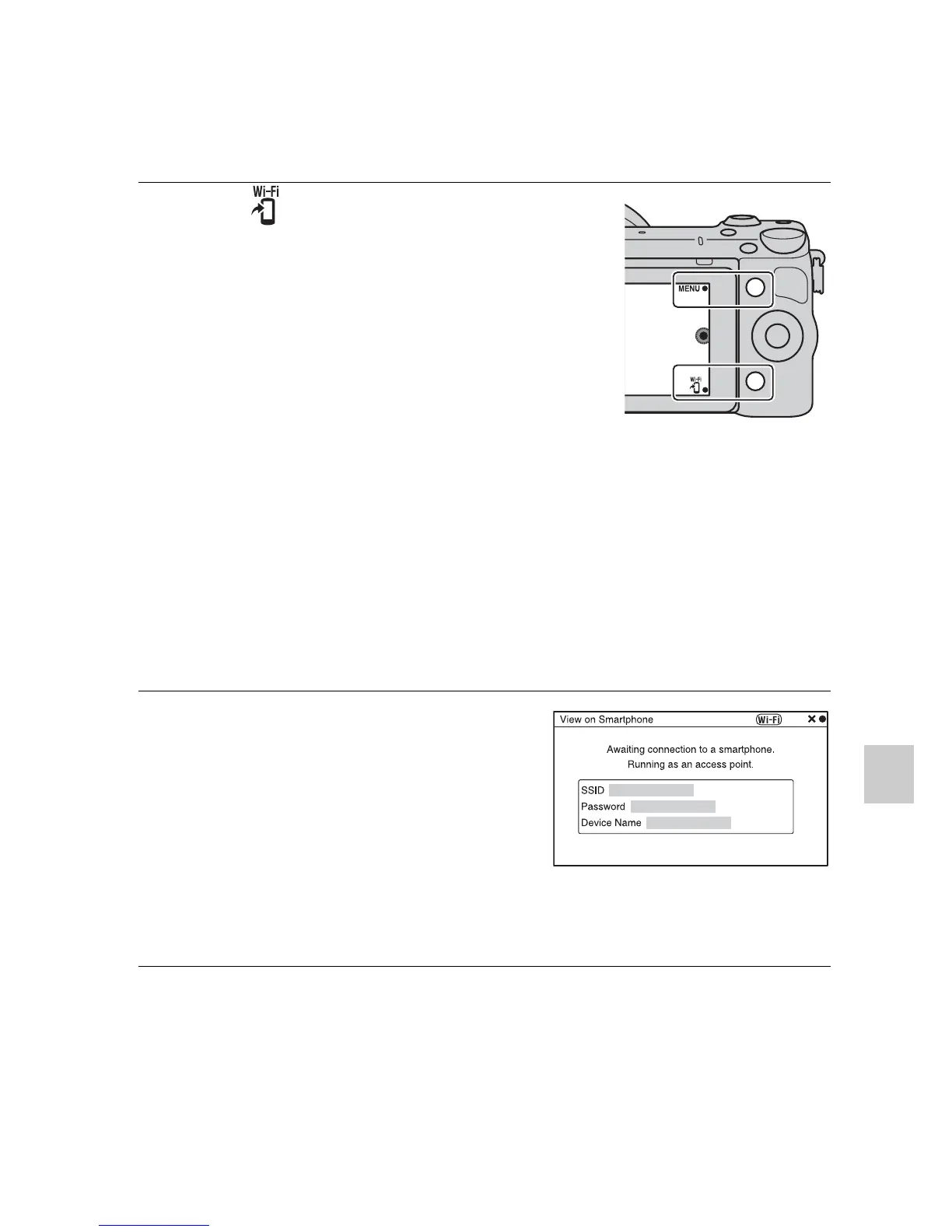
Press (View on
Smartphone) and select the
desired mode.
• If another function is assigned to
soft key B, select MENU t
[Playback] t [View on
Smartphone].
This Image: Transfers the most
recently shot or played back image to
the Smartphone.
All Images on This Date:
Transfers all still images in the same
date range as the most recently shot
or played back image to the
Smartphone.
All Images in The Device:
Transfers all still images in the
camera to the Smartphone.
2
If the camera is ready for the
transfer, the information
screen appears on the
camera. Connect the
Smartphone and the camera
using that information.
• For details on operation of the
Smartphone, refer to “α
Handbook.”



 To Next Page
 Loading...











