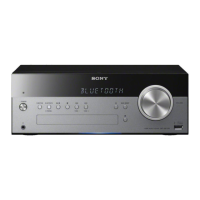
HCD-SBT100/SBT100B/SBT300W/SBT300WB
23
SECTION 3
TEST MODE
COLD RESET
It can clears all data including preset data stored in the memory to
initial conditions. Execute this mode when returning the this unit
to the customer.
Procedure:
1. Press the [
?
/
1
] button to turn the power on.
2. Press two buttons of the [x] and [
?
/
1
] simultaneously for three
seconds.
3. The message “RESET” (HCD-SBT100/SBT100B) or “ALL
RESET” (HCD-SBT300W/SBT300WB) is displayed on the
fl uorescent indicator tube, then becomes the standby state.
AUTO STANDBY TEST
It can confi rm the auto standby function operates normally.
The auto standby function operates in 60 seconds in this mode.
(Usually, it takes 30 minutes)
Procedure:
1. Press the [
?
/
1
] button to turn the power on.
2. Press the [FUNCTION] button to turn except “FM”, “AM”
and “DAB”.
3. Press two buttons of the [BASS BOOST] and [FUNCTION]
simultaneously for three seconds.
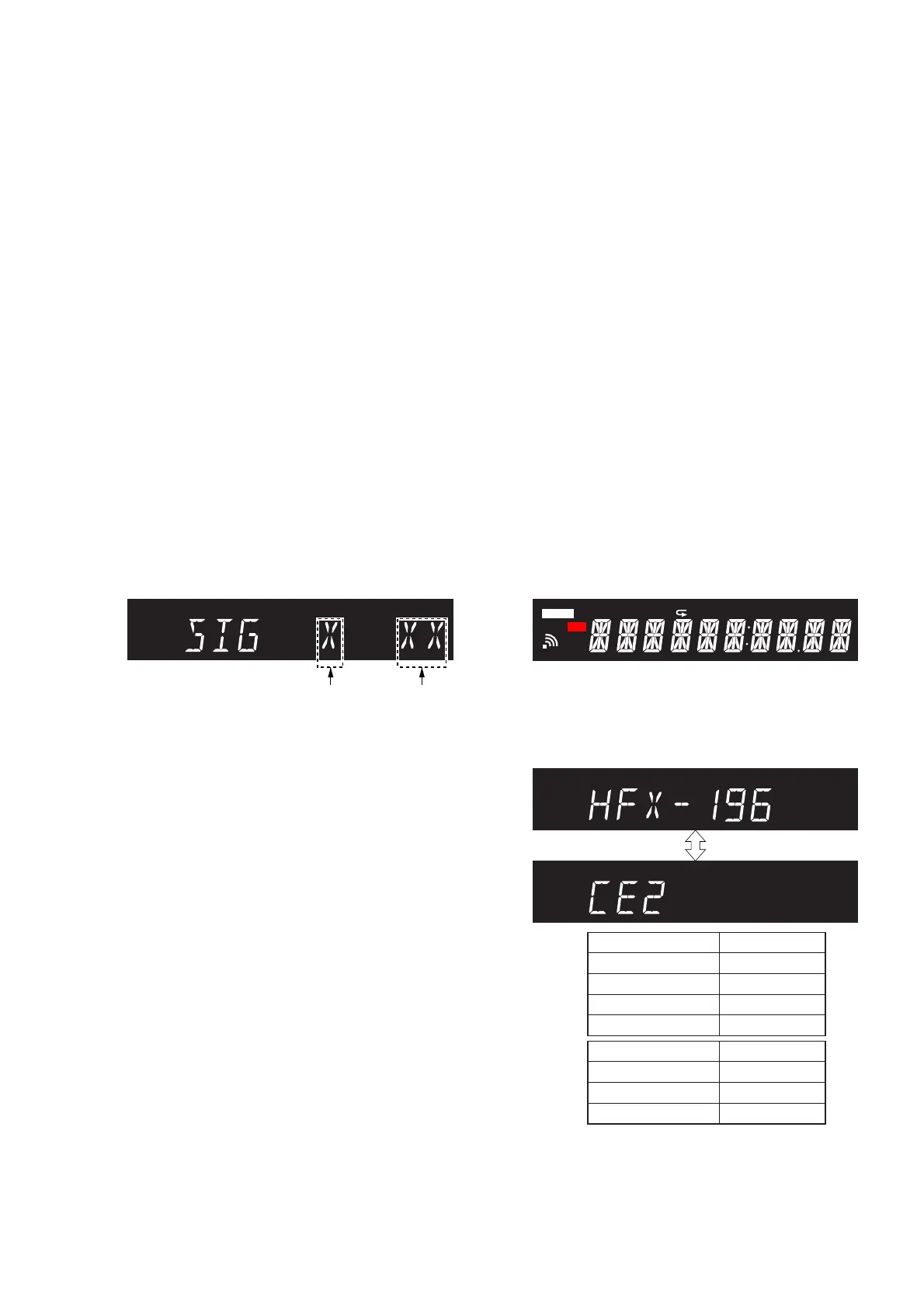
4. It enters the auto standby test mode, and the following screen
is displayed on the fl uorescent indicator tube.
(In this mode, “STEREO” continues blinking on the fl uores-
cent indicator tube)
STEREO
Signal level
(0 or 1)
Countdown
timer
(60 to 0)
Screen display
5. In the case of the following states, the countdown timer de-
creases. This unit will become standby states if the countdown
timer decreases to “0”.
• Operation is not performed.
• The signal level is lower than threshold.
Releasing method:
Press two buttons of the [BASS BOOST] and [FUNCTION] si-
multaneously for three seconds.
COMMON TEST
It can confi rm the MAX/MIN of volume.
Procedure:
1. Press the [
?
/
1
] button to turn the power on.
2. Press two buttons of the [BASS BOOST] and [u] simultane-
ously for three seconds.
3. It enters the common test mode, the message “AUDIO IN” is
displayed on the fl uorescent indicator tube.
(In this mode, “cPLAY” and “SLEEP” continues blinking on
the liquid crystal display)
4. When rotating the [VOLUME] knob, the message is changed
with VOLUME MIN ↔ VOLUME 23 ↔ VOLUME MAX on
the fl uorescent indicator tube.
Releasing method:
Press the [
?
/
1
] button to turn the power off.
PANEL TEST
It can confi rm the fl uorescent indicator tube, LEDs, model name,
destination, software version and button.
Procedure:
1. Press the [
?
/
1
] button to turn the power on.
2. Press two buttons of the [FUNCTION] and [. TUNE −]
simultaneously for three seconds.
3. It enters the panel test mode, and all segments on the fl uores-
cent indicator tube and all LEDs light up.
Screen display
cPLAY cREC
FLDR SHUF PGM
1
SLEEPSTEREO
NX
REC
UPDATE
4. When pressing the [> TUNE +] button, the model name and
destination are displayed on the fl uorescent indicator tube al-
ternately.
(In this mode, “STEREO” continues blinking on the fl uores-
cent indicator tube)
Screen display
STEREO
STEREO
Model Name
Display
HCD-SBT100
HFX-193
HCD-SBT100B
HFX-194
HCD-SBT300W
HFX-195
HCD-SBT300WB
HFX-196
Destination Display
US and Canadian
NA
AEP and UK
CE2
Australian
AU


 To Next Page
 Loading...