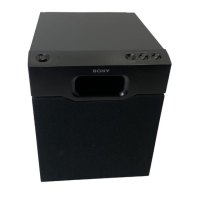
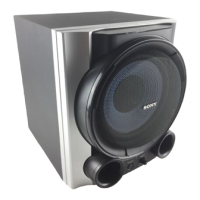
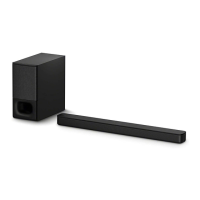
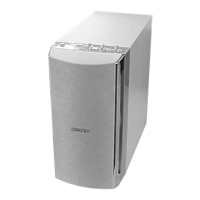
SA-WCT800
8
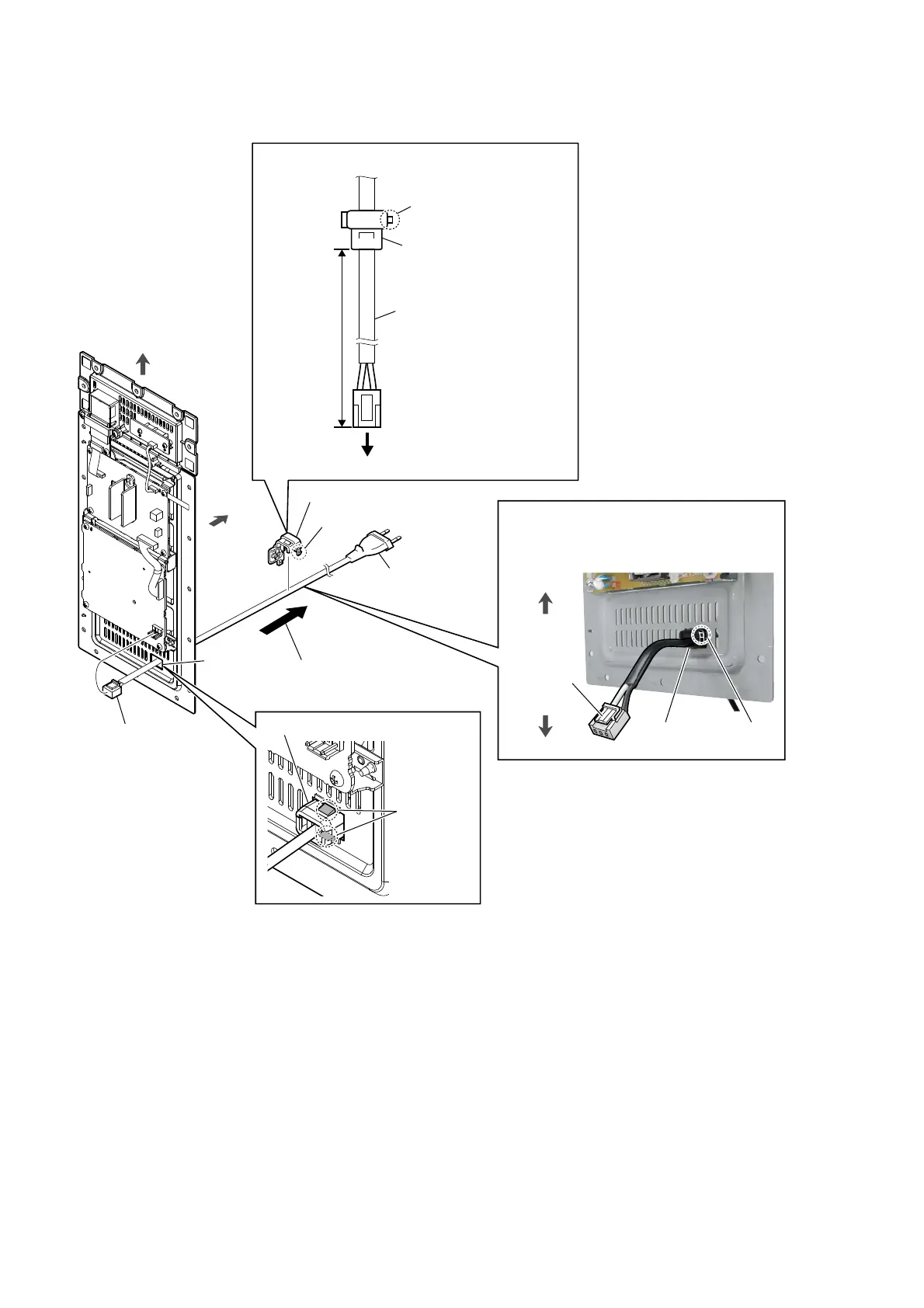
2-4. POWER CORD (AC1)
3RZHUFRUGEORFNVHWWLQJ
1 power cord
connector
(CN901)
5 cord bushing (FBS001)
4 Unlock.
3 Draw out the power cord
block from the hole.
6 power cord
(AC1)
,QVWDOODWLRQSRVLWLRQRIWKHFRUGEXVKLQJ)%6
power cord
(AC1)
cord bushing
(FBS001)
lock side
95 +5, -0 mm
to SUB-POWER board
lock side
cord bushing
(FBS001)
Top side is
the claw side.
Note:
When installing the power cord block, check
the direction and position of claw of the cord
bushing (FBS001) and install correctly.
hole
rear side
top side
bottom side
cord bushing (FBS001)
2 two claws
top side


 To Next Page
 Loading...