36
OVERALL CONTROLS
TOUCH continued
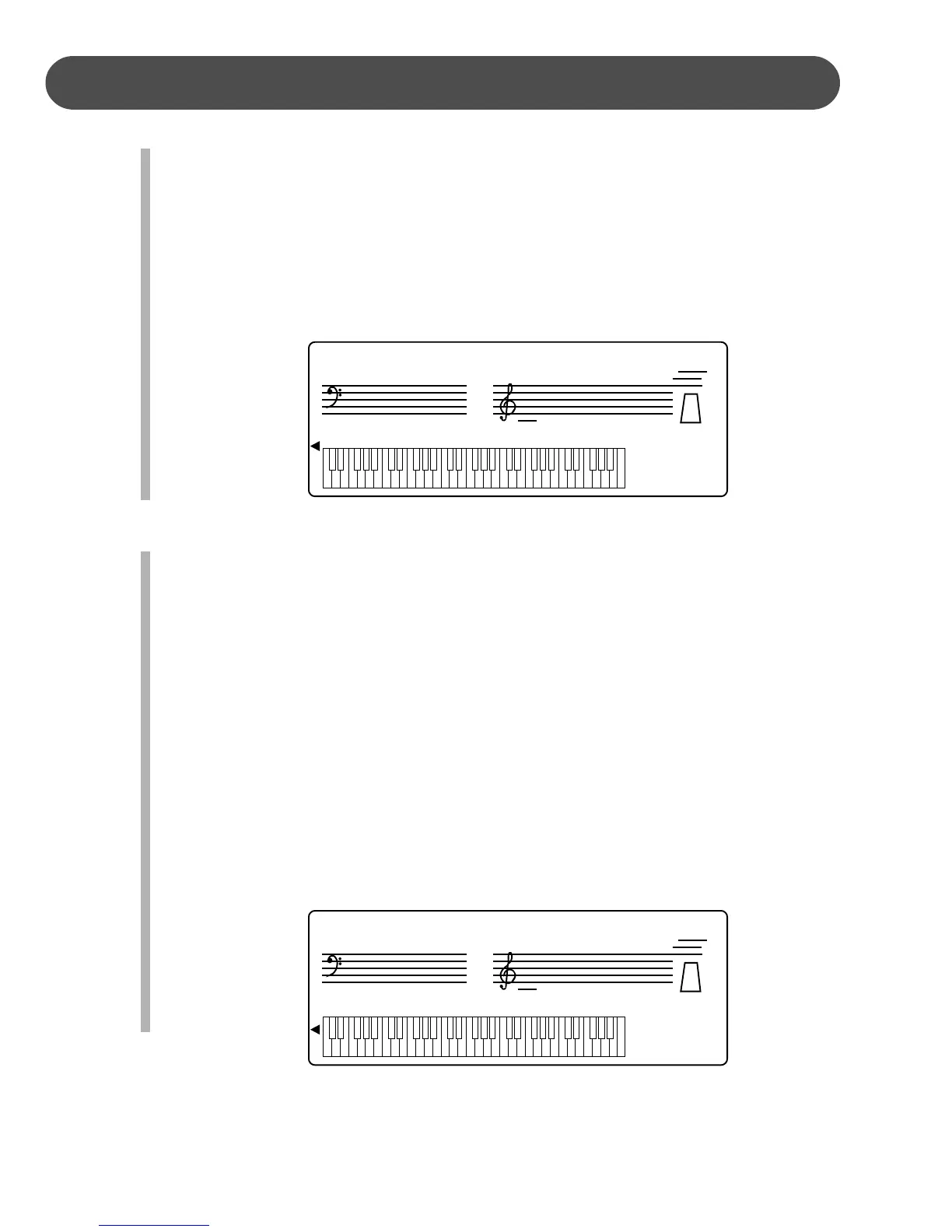
1. Press the OVERALL button seven times, until the triangle in the display screen
moves to the TOUCH position. The current curve number followed by “Curve”
will appear on the display screen.
2. Use the + button to increase the level or the – button to decrease the level. The
number pad can also be used to directly enter a value ranged from 1-4. Press
the +, – buttons simultaneously to recover the default setting of 2.
3. After three seconds the display screen will recover to the default voice screen.
SPLIT POINT - The split point divides the keyboard into two sections. On the left
hand side is the auto accompaniment section, or lower voice for the lower
mode, and in the right hand section the master or the layered voice is available
for normal melody play. The split point is set at key number 55, the G2 key,
when the piano is turned on.
1. Press the OVERALL button eight times, until the triangle in the display screen
moves to the SPLIT POINT position. The current split point key number fol-
lowed by “Split” will appear on the display screen.
2. Use the + button to increase key number, and move the split point up the key-
board, or the – button to decrease the key number, and move the split point
down the keyboard. The number pad can also be used to directly enter a value
ranged from 36-60. Press the +, – buttons simultaneously to recover the default
setting of 55, the G2 key.
3. After three seconds the display screen will recover to the default voice screen.
DSP i
TUNING i
GRADE i
VOLUME i
TALKING i
TRANSPOSE i
TOUCH i
SPLIT POINT i
METRO i
TEMPO 122
55: Split
DSP i
TUNING i
GRADE i
VOLUME i
TALKING i
TRANSPOSE i
TOUCH i
SPLIT POINT i
METRO i
TEMPO 122
2: Curve


 To Next Page
 Loading...