TK 61651-18-OP-EN
33
Entering Setpoint Temperature
The Setpoint Temperature can be quickly and easily changed.
Single Temperature Units
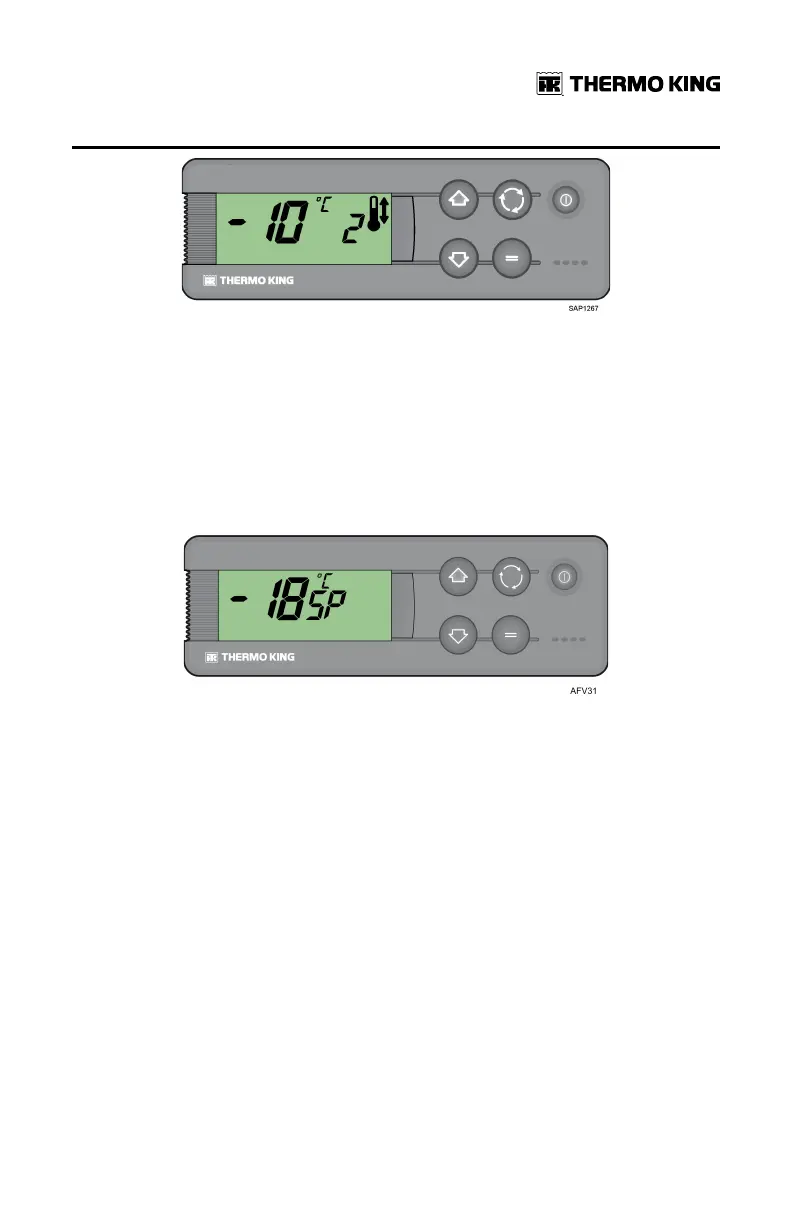
1. Press and release the Select key twice (three times for reverse cycle
units), and the current Setpoint Temperature and the letters SP will
appear on screen.
2. Press the Up or Down arrow keys to select the desired Setpoint
Temperature. Each time either of these buttons is pressed and released,
the Setpoint Temperature will change one degree.
3. Press and release the Enter key to set the setpoint or press and release
the Select key to set the setpoint and return to the Standard Display.
IImmppoorrttaanntt:: If the Select key or the Enter key is not pressed within 20
seconds to select the new Setpoint Temperature, the unit will
continue to run at the original Setpoint Temperature.
Multi-Temperature Units
NNoottee:: Since software MSK 544.03, Thermo King has introduced a Zone
Priority function which allows Spectrum units to provide cooling or
heating priority for a specific zone to satisfy setpoint as soon as
possible. Contact your local dealer for detailed information.
OOppeerraattiinngg IInnssttrruuccttiioonnss



 To Next Page
 Loading...