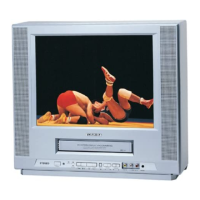
35
CALL
PROGRAM
SPEED
SLEEP
CANCEL
MUTE
POWER
CLOSED
CAPTION
INPUT
SELECT
CHANNEL
RETURN
ZERO
RETURN
TIMER
REC
0
879
654
321
MENU ENTER
DIGITAL
TRACKING
PAUSE
/STILL
TRACKING
INDEX
STOP
PLAY
FF
REW
COUNTER
RESET
TV MONITOR
SKIP
SEARCH
EJECT
VOL+
+
+
–
–
VOL–
CH–
CH+
REC
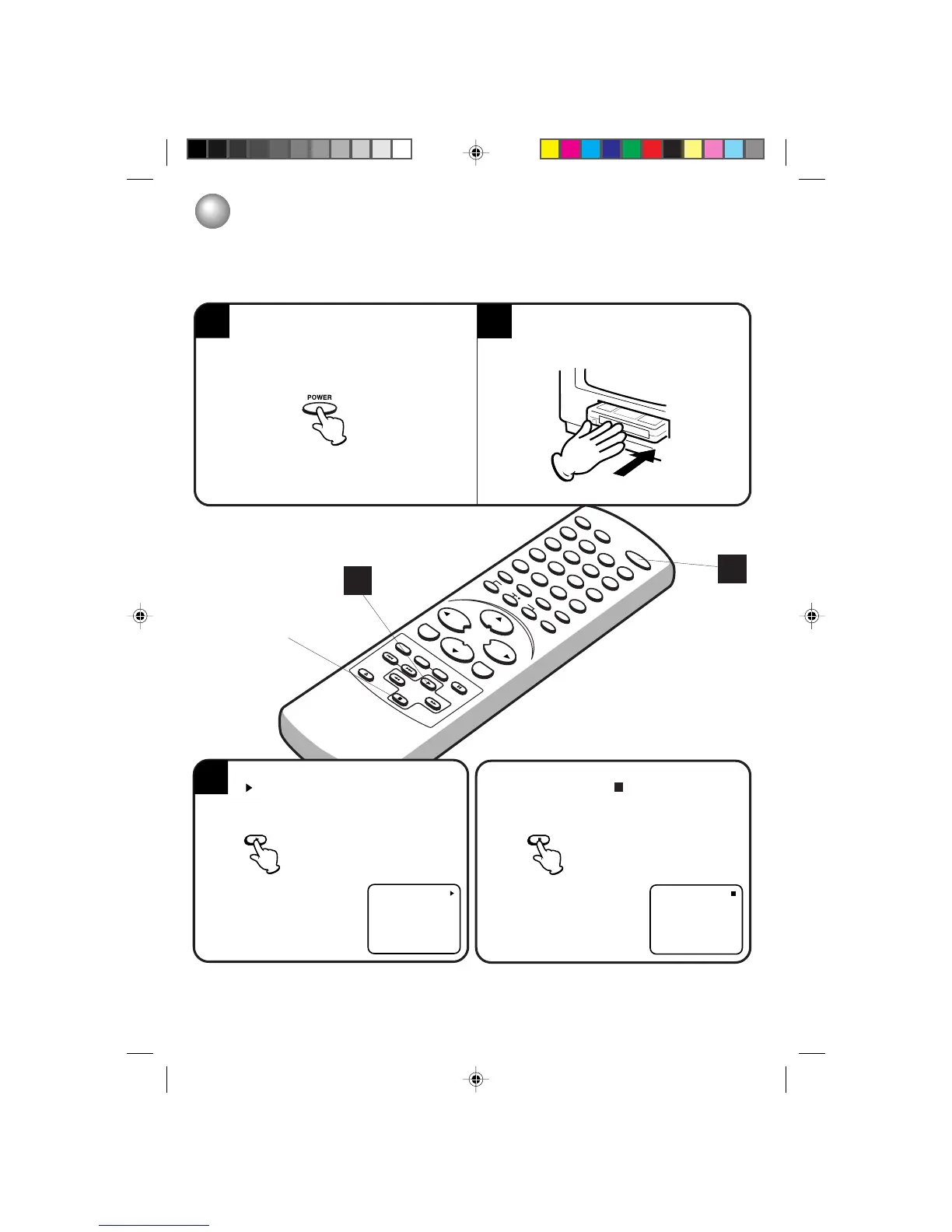
TO START PLAYBACK
1
2
PLAYBACK
To play a prerecorded tape.
To turn on the TV/VCR, press POWER.
Load a prerecorded tape. (When loading a
cassette tape without the erase prevention tab,
playback will start automatically.)
3
1
TO STOP PLAYBACK
3
Press PLAY to begin playback.
“
” will appear on the screen.
NOTE: This TV/VCR selects the playback tape speed SP or SLP automatically.
Press STOP once. The tape will stop, but remain fully
loaded and ready to play. “
” will appear on the
screen.
PLAY


 To Next Page
 Loading...