ADVANCED FUNCTIONS
71
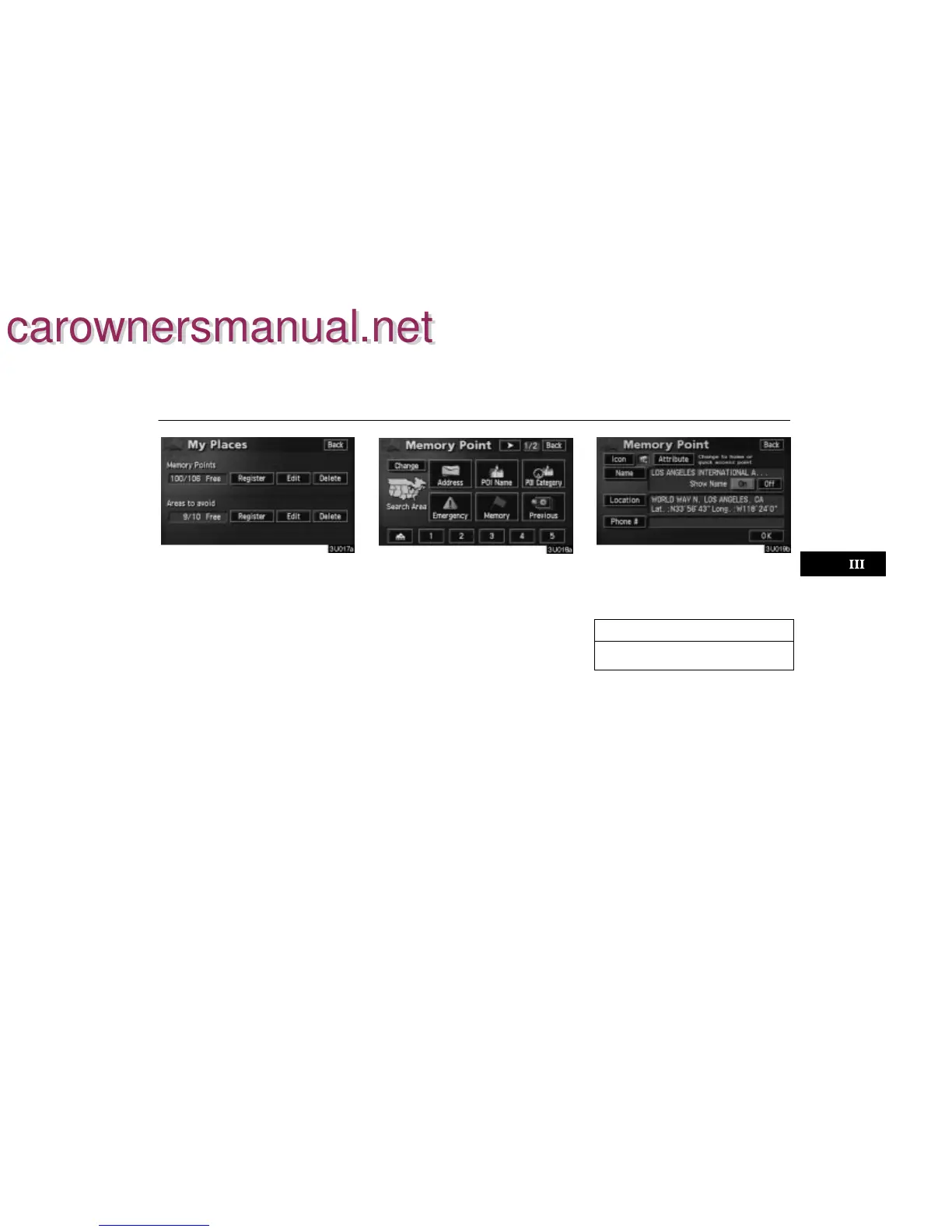
2. Touch the “Register” switch of the
“Memory Points”.
A screen similar to the destination input
screen appears. Input the desired point in the
same way as inputting a destination. (See
page 24.)
When you finish memory point registration,
the memory point data screen will appear.
You can set the icon, attribute, name, location
and phone number.
Touch the desired switch you want to set. (For
details, see “(b) Editing memory points”.)
INFORMATION
Up to 106 memory points can be regis-
tered.
carownersmanual.net
carownersmanual.net


 To Next Page
 Loading...