OTHER FUNCTIONS
104
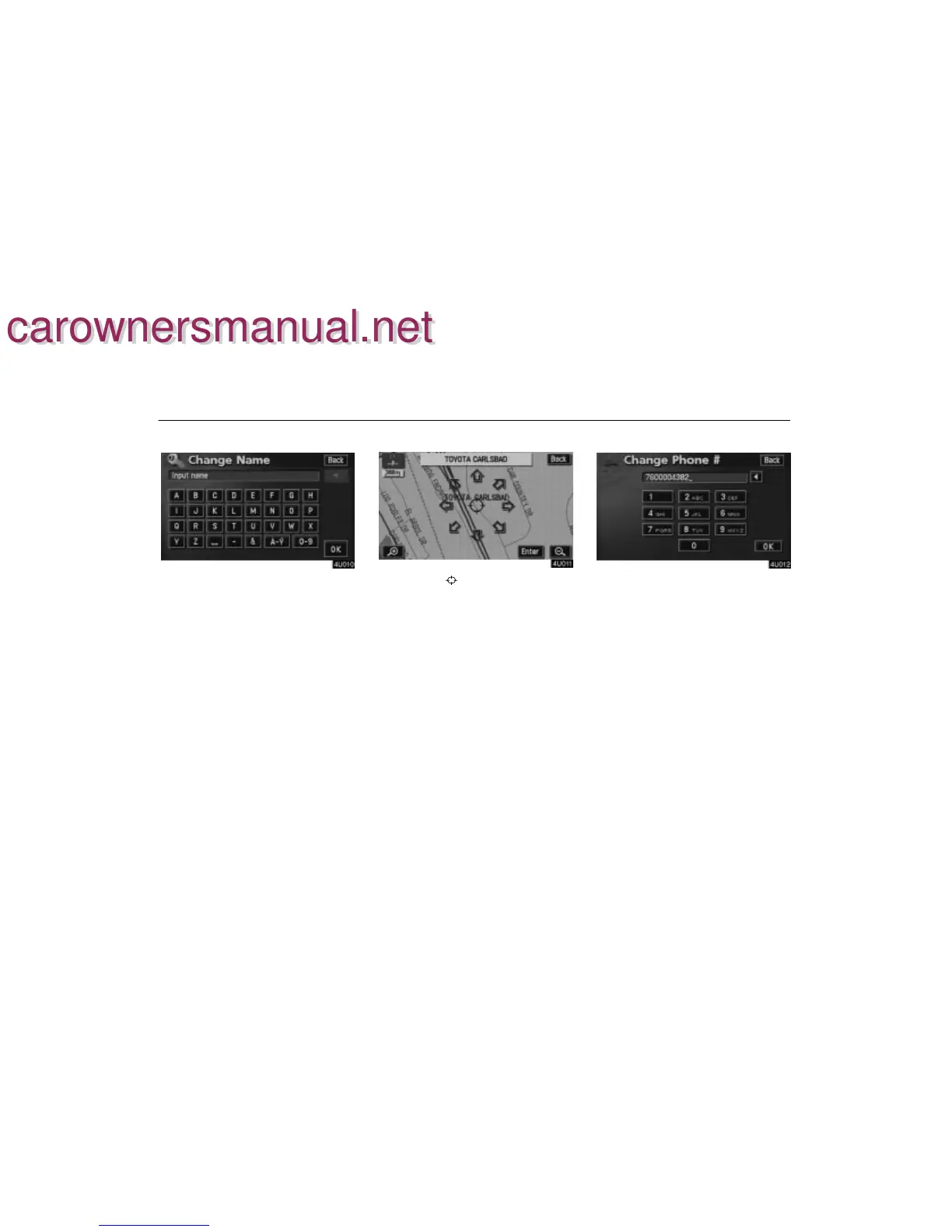
To edit “Dealer” or “Contact”
To input the name, touch the alphabet, nu-
meral and/or umlaut keys. You can input
up to 24 letters.
After inputting, touch the “OK” switch at the
bottom right of the screen. The previous
screen will be displayed.
To edit “Location”
Set the cursor to the desired point, and
touch the “Enter” switch on the screen.
To edit “Phone #” (telephone number)
Touch numeral keys.
After inputting, touch the
“OK” switch. The
previous screen will be displayed.
carownersmanual.net
carownersmanual.net


 To Next Page
 Loading...