OTHER FUNCTIONS
111
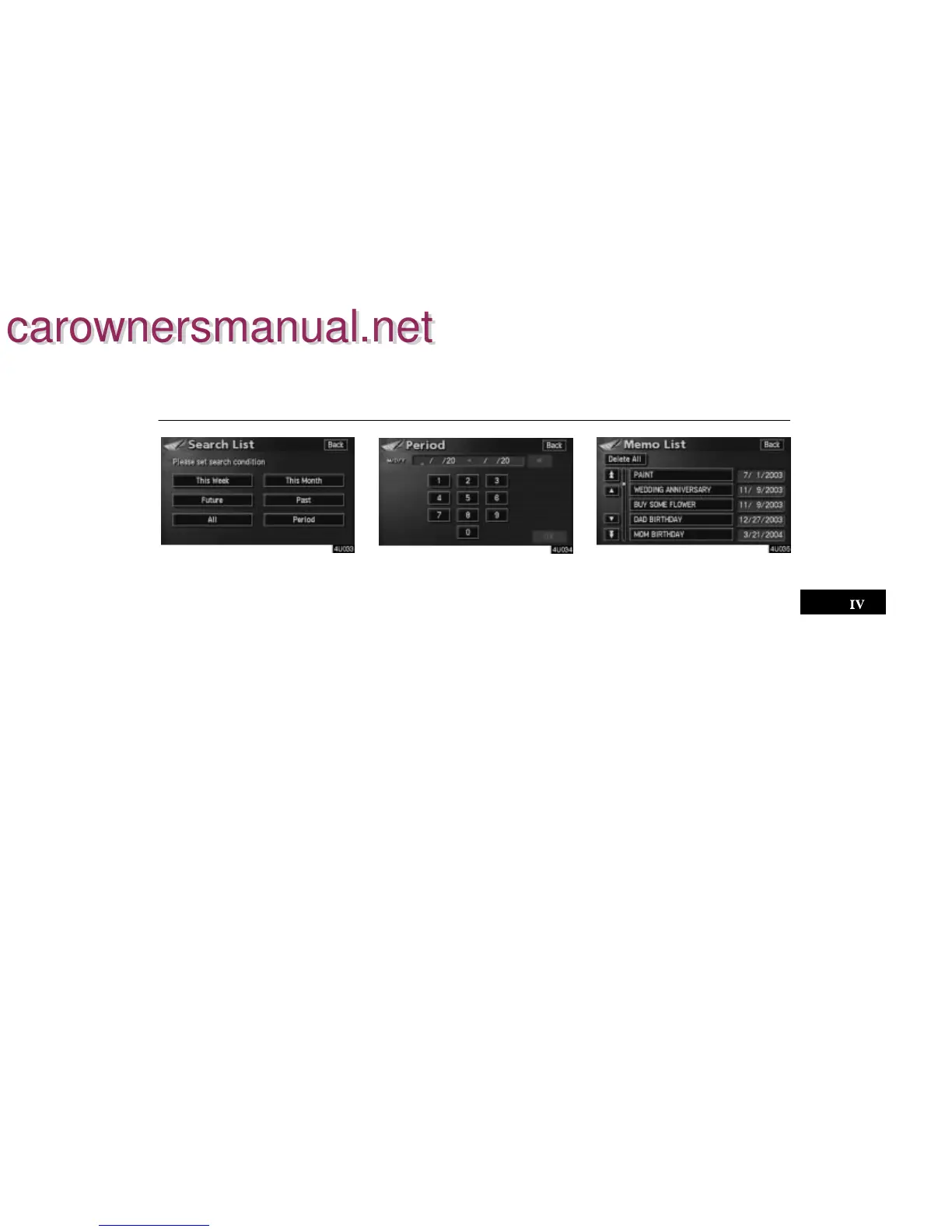
2. Touch the desired search condition to
list the memos. The “Memo list” is dis-
played on the screen.
To display the memos listed in a desired
period, touch the “Period” switch.
Touch the number keys.
After setting the period, touch the “OK”
switch. The “Memo list” screen will be dis-
played.
You can set a period from January 1, 2003,
through December 31, 2022, for searching.
To delete and/or edit the memo, touch the
desired memo switch.
To delete all memos, touch the
“Delete
All”
switch. A message appears on the
display. To delete, touch the
“Yes”
switch. To cancel the deletion, touch the
“No” switch.
carownersmanual.net
carownersmanual.net


 To Next Page
 Loading...