5-13
Operation on the Machine > Application
Uninstalling Applications
A maximum of 5 applications can be installed on the machine. To add different applications, uninstall an application that
has been installed. Deactivate an application before uninstalling it.
The procedure is as follows.
1
Display the screen.
1 Press the [System Menu/Counter] key.
2 Press [ ], [Application] and then [Application].
2
Deactivate the application.
1 Select the application you want to deactivate and press [Menu] and then [Deactivate].
You can view detailed information on the selected application by pressing [ ].
2 Press [Yes] in the confirmation screen.
3
Uninstall the application.
1 Select the application you want to uninstall, and press [].
You can view detailed information on the selected application by pressing [ ].
2 When the deletion confirmation screen appears, press [Yes].
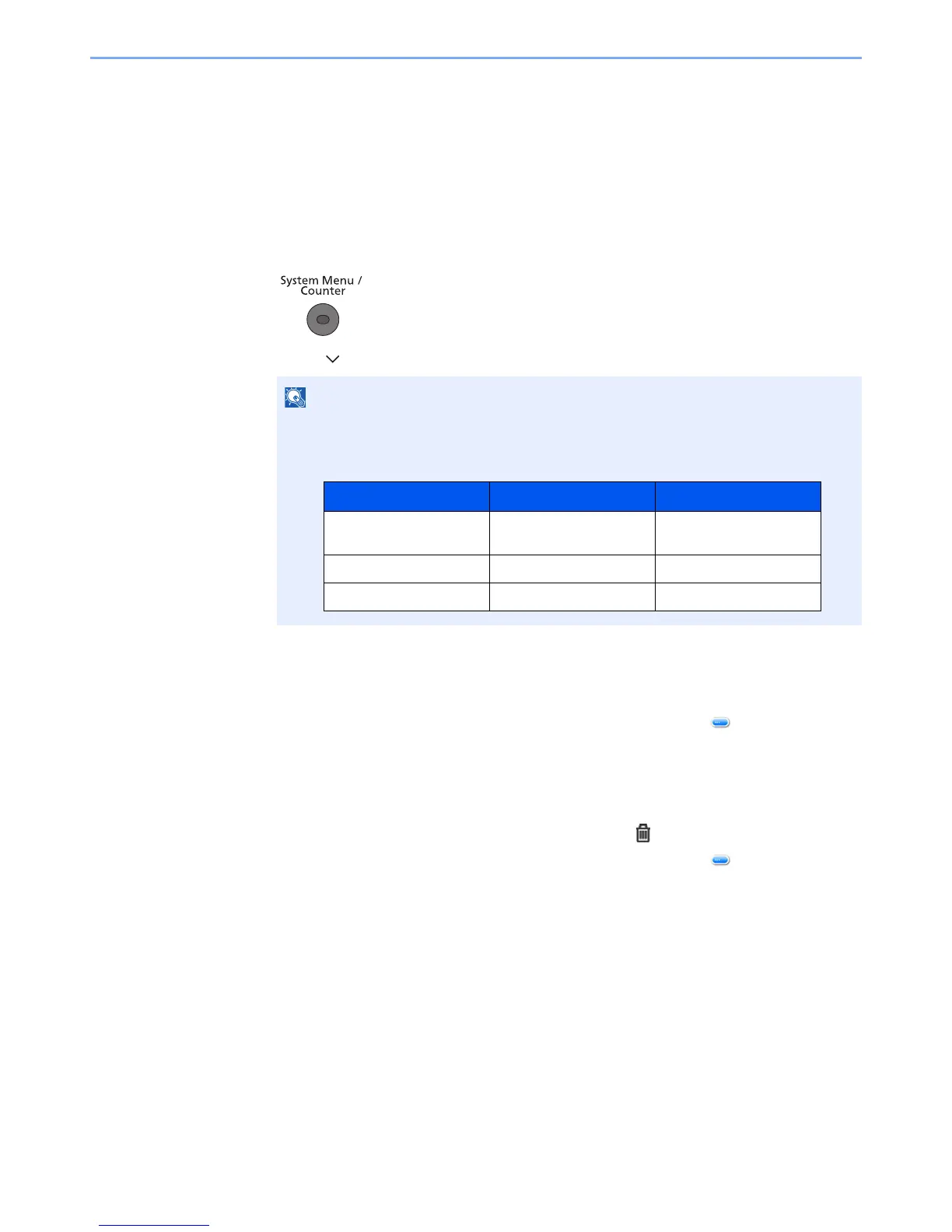
If the user authentication screen appears, enter your login user name and login
password and press [Login]. For this, you need to login with administrator privileges. The
factory default login user name and login password are set as shown below.


 To Next Page
 Loading...







