68
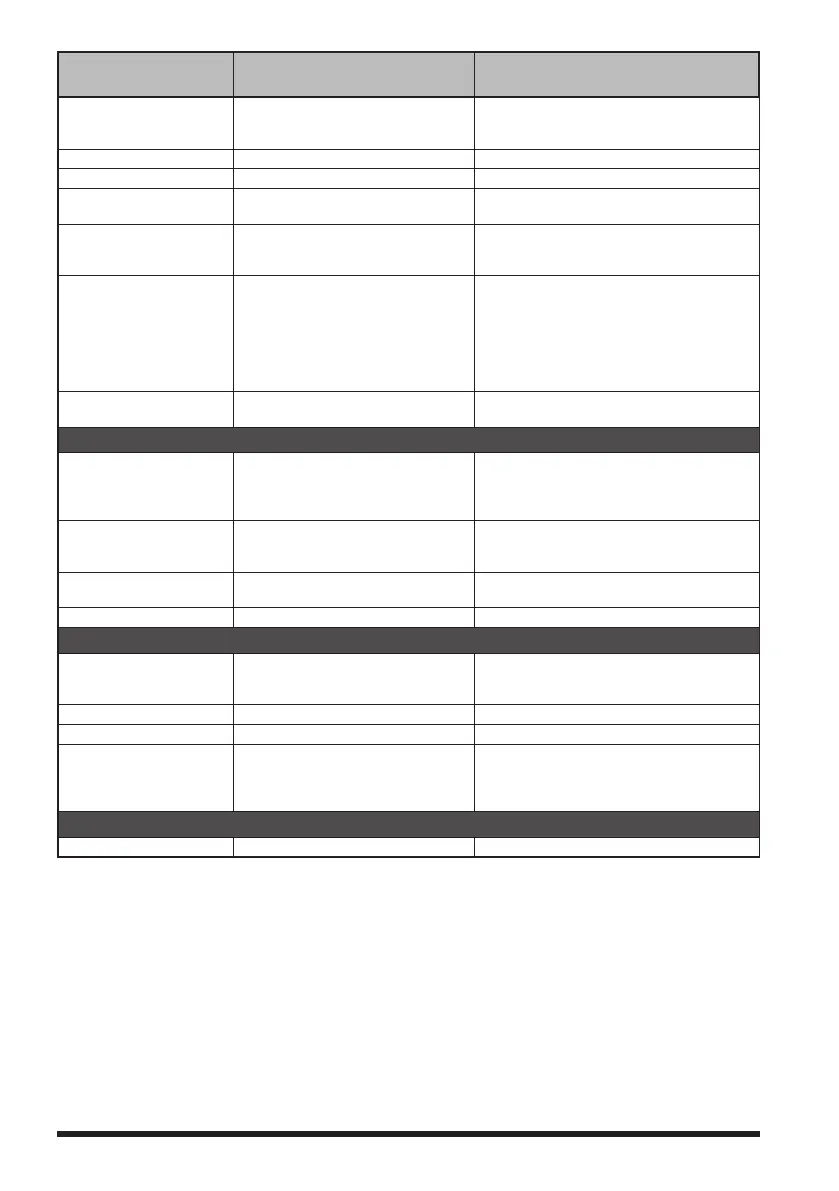
Setup Menu no. / Item Description
Selectable options
(
Options in bold are the default settings
)
22 GPS UNIT Select the units for GPS display. POSITION: .MMM' / 'SS"
SPEED: km/h / knot / mph
ALTITUDE: m / ft
23 CALLSIGN (APRS) Specify the call sign of your station. - - - - - - - -
24 MY POSITION Set your location. GPS / Manual / P1 to P10
25 MY SYMBOL Set your station symbol. 48 icons including 1(/[Human/Person]) /
2(/b Bicycle) / 3(/> Car) / 4(YY Yaesu Radios)
26 POSITION COMMENT Set up the position comment function. Off Duty / En Route / In Service / Returning /
Committed / Special / Priority / Custom 0 to 6
/ EMERGENCY!
27 SmartBeaconing Set the smart beaconing function. STATUS: OFF / TYPE1 / TYPE2 / TYPE3
* For details on the following setting items
for each type, refer to the APRS Instruction
Manual.
LOW SPD, HIGH SPD, SLOW RATE,
FAST RATE, TURN ANGL, TURN SLOP,
TURN TIME
28 TIME ZONE Set the time zone. UTC -13:00 to UTC 0:00 to UTC +13:00
UTC 0:00
SD CARD
1 BACKUP Save the data stored on the
transceiver onto a microSD memory
card or load the data from a microSD
card.
Write to SD / Read from SD
2 MEMORY CH Save or load the memory channel
information onto or from a microSD
memory card.
Write to SD / Read from SD
3 MEMORY INFO
Displays the total capacity and free
space of the SD Memory Card.
-
4 FORMAT Initialize microSD memory cards. -
OPTION
1 USB CAMERA Set the USB camera resolution and
Speaker.
SIZE: 320x240 / 160x120
QUALITY: LOW / NORMAL / HIGH
SP SEL: CAMERA / INT SP
2 Bluetooth Sets the Bluetooth function. OFF / ON CONNECT/DISCON
3 DEVICE LIST Bluetooth device list. -
4 Bluetooth Audio
Set whether received audio is heard
from both the Bluetooth
®
headset and
the transceiver speaker, or only from the
connected Bluetooth
®
device.
AUTO / FIX
CALLSIGN
CALLSIGN Set the call sign. xxxxxxxxxx


 To Next Page
 Loading...