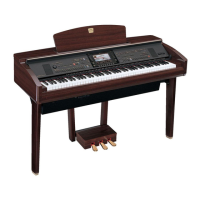
Using a Microphone (CVP-305/303)
Talk Setting
CVP-305/303/301 Owner’s Manual
165
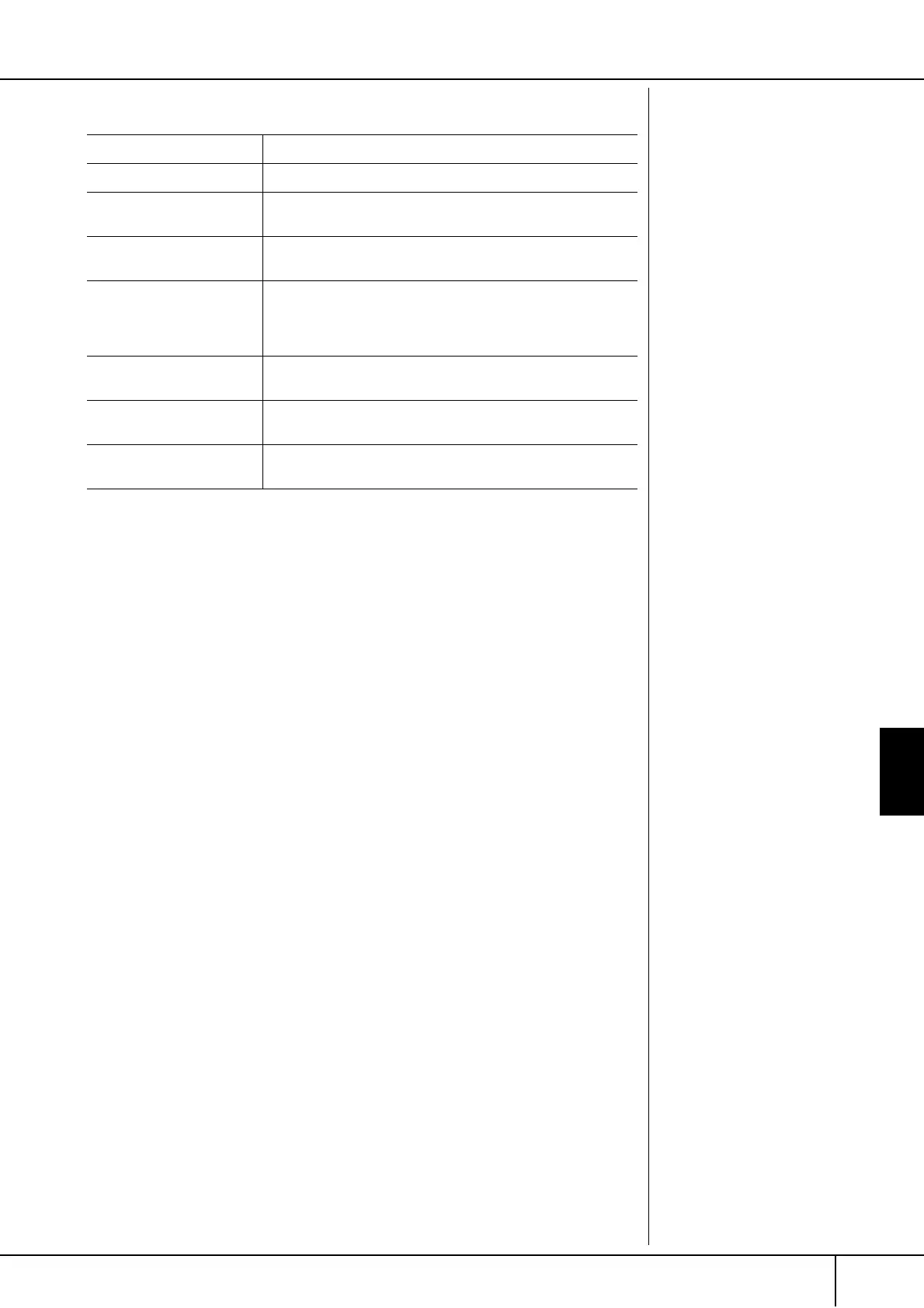
Adjustable Items (Parameters) in the TALK SETTING Tab Display
VOLUME This determines the output volume of the microphone sound.
PAN This sets the stereo pan position of the microphone sound.
REVERB DEPTH This sets the depth of the reverb effects applied to the micro-
phone sound.
CHORUS DEPTH This sets the depth of the chorus effects applied to the micro-
phone sound.
TOTAL VOLUME ATTENUA-
TOR
This determines the amount of attenuation to be applied to the
overall sound (excepting the microphone input)—allowing you
to effectively adjust the balance between your voice and the
overall instrument sound.
DSP MIC ON/OFF This turns the DSP effect applied to the microphone sound ON
or OFF.
DSP MIC TYPE This selects the type of DSP effect to be applied to the micro-
phone sound.
DSP MIC DEPTH This sets the depth of the DSP effect applied to the microphone
sound.


 To Next Page
 Loading...