© BEKA 201 All rights reserved5!
...a product of BEKA
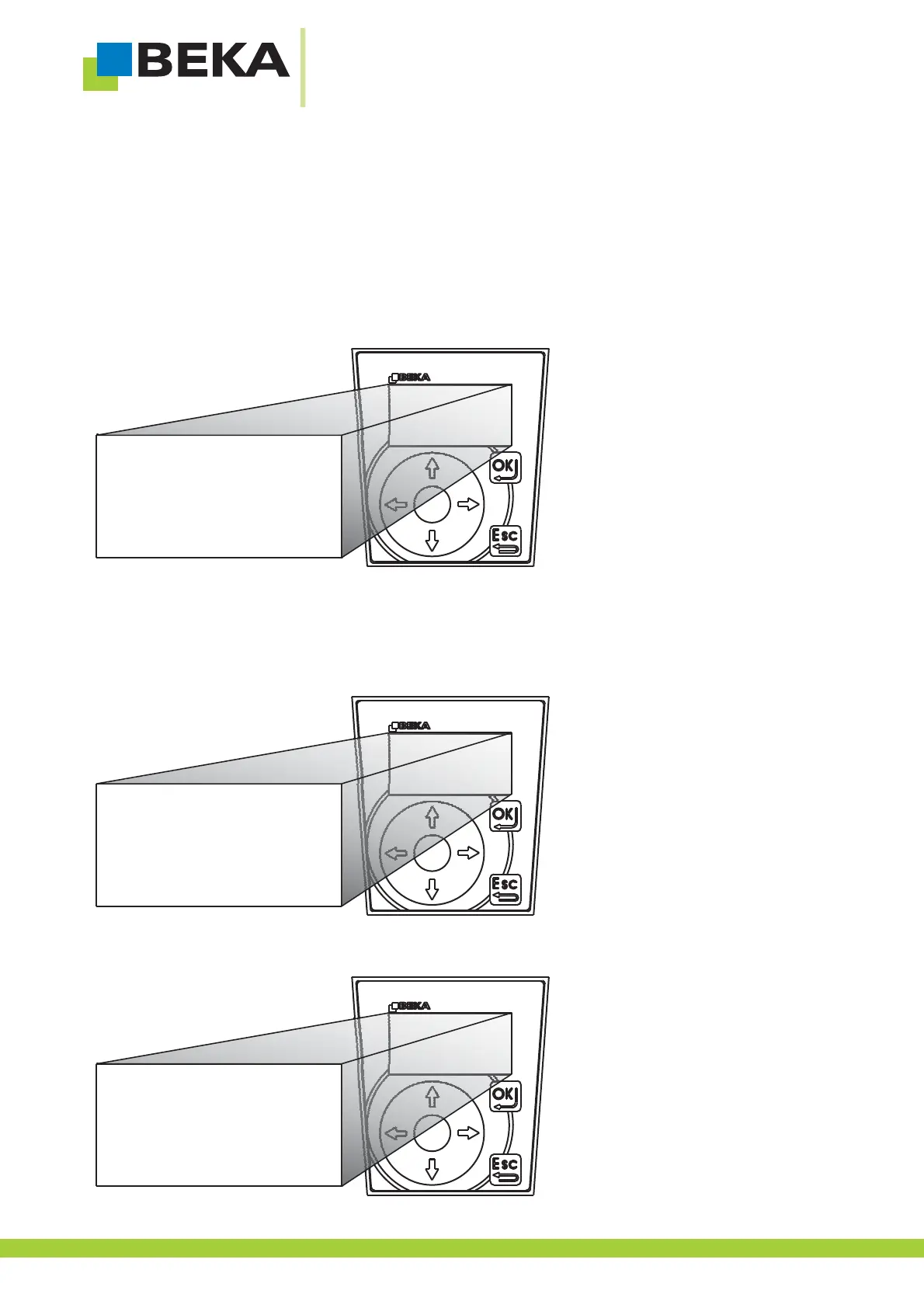
· Use the control buttons left and right to choose the position you want to change.
· Use the control buttons up and down to select a number and go on for the next position.
· Repeat this procedure for all other positions
· Press OK to confirm and ESC to reject a setting.
Fig. 41:
7.11 Set display
7.11.1 Setdisplay illumination
· Press OK to get into setting mode
· Press OK to get to the lower menu level
Fig. 42:
· Use the menu control buttons to choose the menu item „info“ and confirm by pressing OK
Fig. 43:
settings
error messages
*
*
info
common
progressive
signals
time:
hh.mm.ss
08:47:55
08:47:55
30


 To Next Page
 Loading...