Home > Copy > Copy a Document
Copy a Document
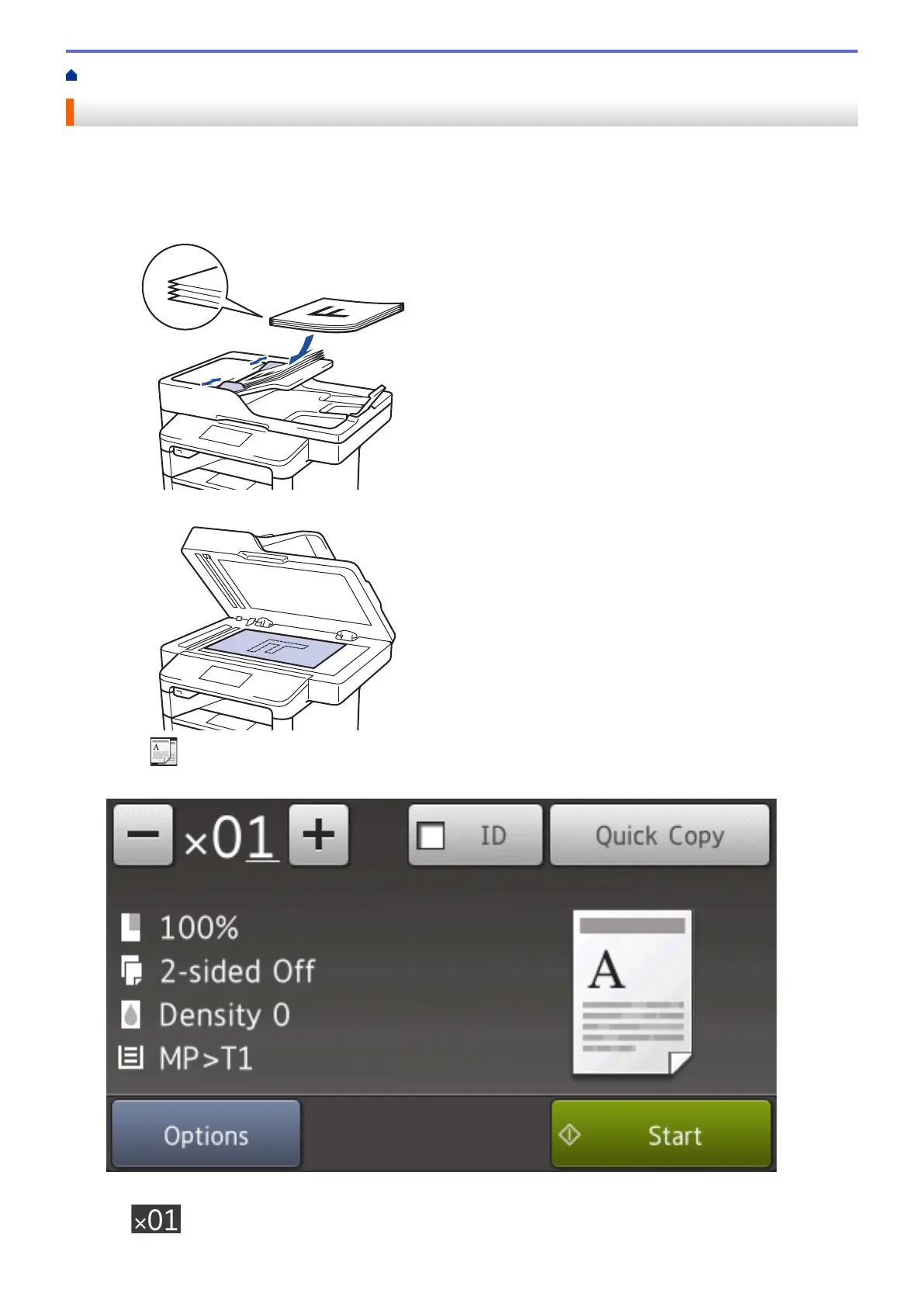
1. Make sure you have loaded the correct size paper in the paper tray.
2. Do one of the following:
• Place the document face up in the ADF.
(If you are copying multiple pages, we recommend using the ADF.)
• Place the document face down on the scanner glass.
3. Press [Copy].
The LCD displays:
4. Change the copy settings, if needed.
•
(Number of copies)
203



 To Next Page
 Loading...












