Exposure Compensation
by
Changing
the
ASA
Setting
An ASA film speed twice as fast as
another denotes that only half the amount of
light
is
necessary for correct exposure as com-
pared with the other film speed. With this in
mind, you can compensate for exposure by
changing the ASA film speed setting. For
example, with the aperture ring
set
to the "A"
mark, when an ASA
400
film
is
used, you can
double the amount of light striking the film
for exposure compensation by switching the
ASA film speed setting to ASA
200.
Using the Self-Timer
Obvious uses for the self-timer are self-
portraits and the inclusion of the photo-
grapher in the picture. The self-timer, though,
can also be used in place of a cable release
to release the shutter gently and smoothly in
close range work like photomicrography or
copying.
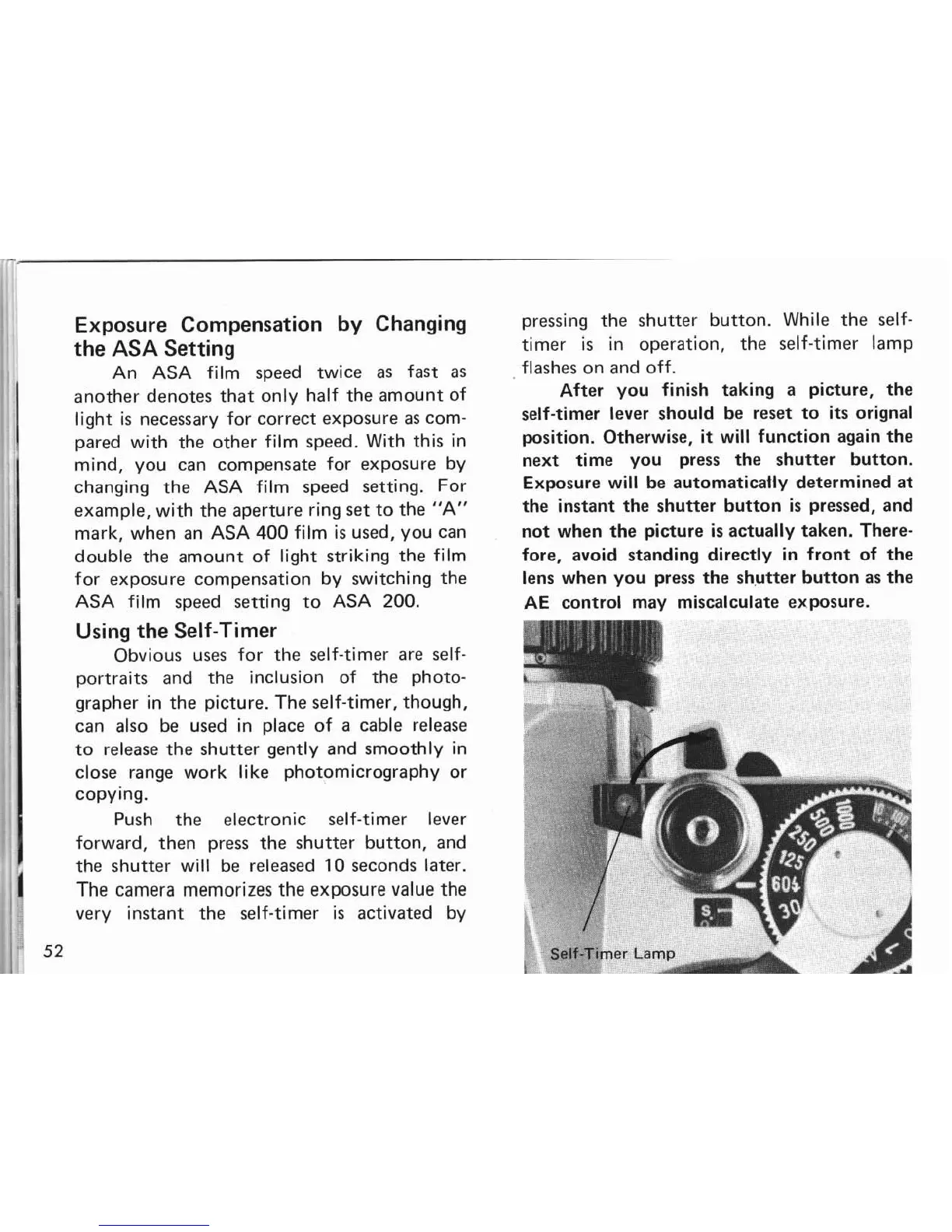
Push the electronic self-timer lever
forward, then press the shutter button, and
the shutter will be released
10
seconds later.
1
The camera memorizes the exposure value the
very instant the self-timer
is
activated by
52
,,
pressing the shutter button. While the self-
timer
is
in operation, the self-timer lamp
flashes on and off.
After you finish taking a picture, the
self-timer lever should be reset to
its
orignal
position. Otherwise,
it
will function again the
next time you press the shutter button.
Exposure will be automatically determined at
the instant the shutter button
is
pressed, and
not when the picture
is
actually taken. There-
fore, avoid standing directly in front of the
lens when you press the shutter button as the
AE control may miscalculate exposure.


 To Next Page
 Loading...