Image Combination
4-28
4
Special Copying and Mail Box Features
3
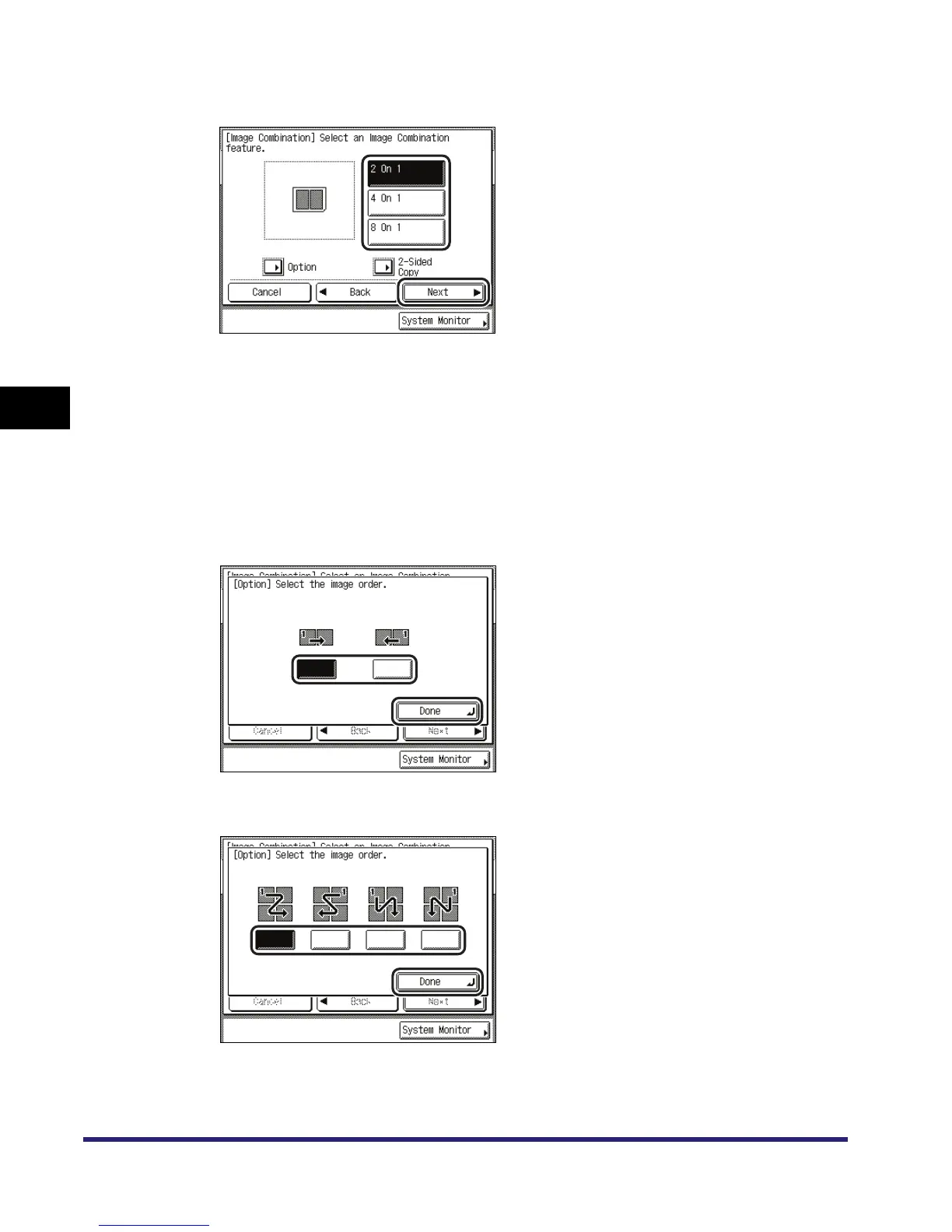
Select the desired Image Combination feature ➞ press [Next].
If you want to make two-sided copies, press [2-Sided Copy] ➞ select the type of two-sided
orientation ➞ press [OK] ➞ [Next].
Details of each item are shown below.
If you want to specify the image order, press [Option] ➞ select the image order ➞ press [Done]
➞ [Next].
2 On 1
4 On 1 and 8 On 1
[Book Type]: The front and back sides of the original have the same top-bottom
orientation.
[Calendar Type]: The front and back sides of the original have opposite top-bottom
orientations.


 To Next Page
 Loading...