24
E
Mastering
the Basics
To change the digital zoom, open the menu and select CAM.SET UP.
Then select D.ZOOM, set it to OFF or 360× and close the menu.
D.ZOOM••••••
72×
CAM.SET UP
( 39)
Magnifies the camcorder’s zoom range by up to 20× in CAMERA mode.
The zoom control continues to work as usual. You can freely zoom in and out
between 1× and 360× magnification — the camcorder automatically switches
between optical zooming (up to 18×) and digital zooming (18× to 72× or 18× to
360×).
72×/360× digital zoom
Zooming
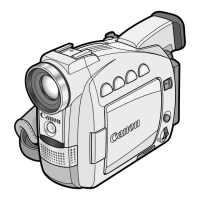
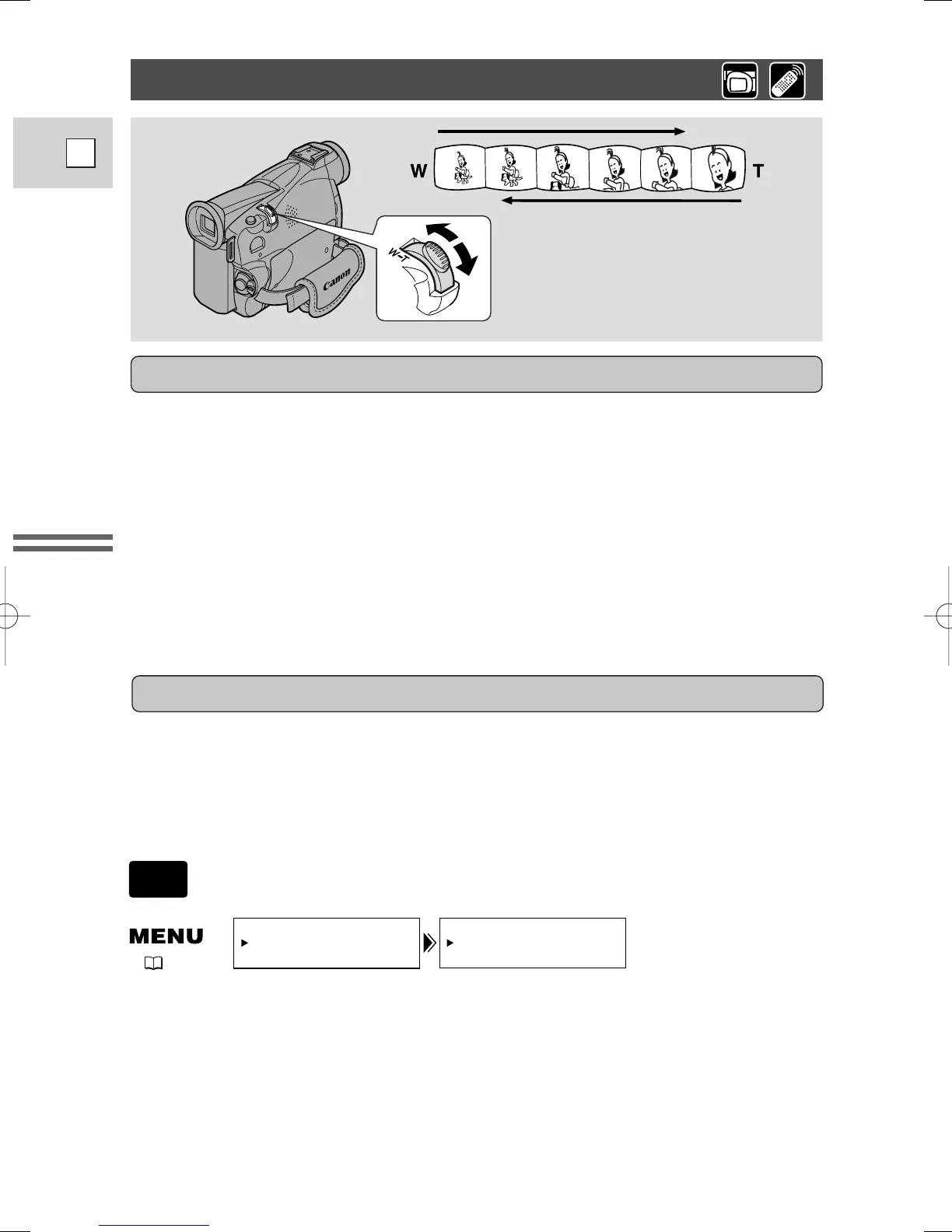
The camcorder’s zoom lens allows you to choose the best picture angle for each
scene:
• Move the zoom control towards W to zoom out to wide-angle.
• Move it towards T to zoom in to telephoto.
You can also control the speed of zooming:
• Move the control slightly to zoom slowly.
• Move it farther to zoom more quickly. (The farther you move the zoom control,
the faster the zoom speed.)
The T and W buttons on the wireless controller adjust the picture angle, but not
the zoom speed.
18× optical zoom
Zoom out
Zoom in
2_ZR40_E(9-37) 2/5/02 17:27 Page 24


 To Next Page
 Loading...