44 Printer and Laminator Settings
Printsamplecardstoverifysettingsbeforeusingnewsettings.
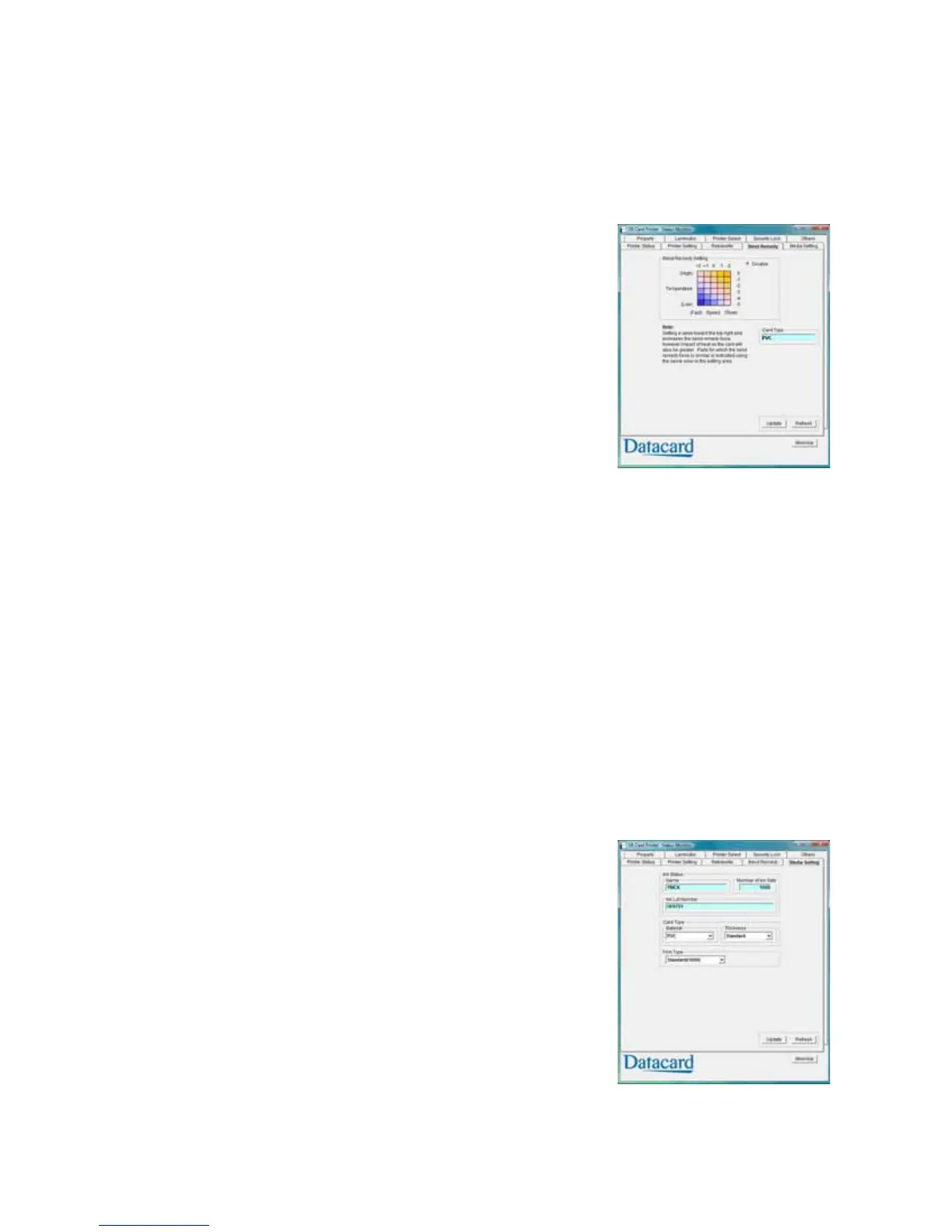
Bend Remedy Tab
Single‐sidedprintingcancausecardstowarp,dependingon
thetypeofcardyouuse.Theprinterisavailablewithabend
remedyoption.
TheBendRemedytabisenabledonlyifthebendremedy
optionisinstalled.Itdisplaysthe:
Matrixforsettingthebendremedyspeedand
temperature.Clickasquaretoselectthesetting.Orclick
Disabletopreventbendremedyfrombeingapplied.
CardType(read‐only).UsetheMediaSettingtab
(page 44)tospecifythecardtypebeingused.
TipsforSuccess
TheCardTypeisblankifthebendbemedyoptionisnotinstalledintheprinter.
Bendremedyiseffectiveforsingle‐sideprinting.Fordouble‐sidedprinting,selecttheDisable
option.
IfyouselectDisableandthebendremedyoptionisinstalled,theprintergoesintoPreheat
stateforabout10minuteswhiletherollertemperaturedrops.Waituntiltheprinterstatus
changestoReadybeforeprinting.
Ifbendremedyisperformed,theprintedcardmayhaveamattefinish,ratherthanasmooth
finish.
Printsamplecardstoverifyresultsbeforeusingthenewbendremedysettings.
Media Setting Tab
TheMediaSettingtabdisplaysthetypeofinkribboninthe
printer,thelotnumberoftheribbon,andthenumberof
panelsetsincludedintheribbon.Theprinterprovidesthis
informationanditcannotbechanged.
TheMediaSettingtabalsoallowsyoutosetthetypeand
thicknessofcardandthetypeofretransferfilmbeingusedin
theprinter.


 To Next Page
 Loading...