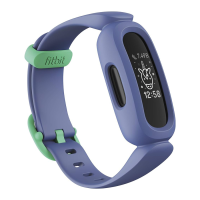
Erase Ace 3
If you want to give Ace 3 to another person or wish to return it, first clear your
personal data:
1.
On Ace 3, open the Settings app >Clear User Data.
2. When prompted, press the screen for 3 seconds, then release. When you see a
smiley face and your tracker vibrates, your data is erased.
27


 To Next Page
 Loading...