196
The Setup Menus
8
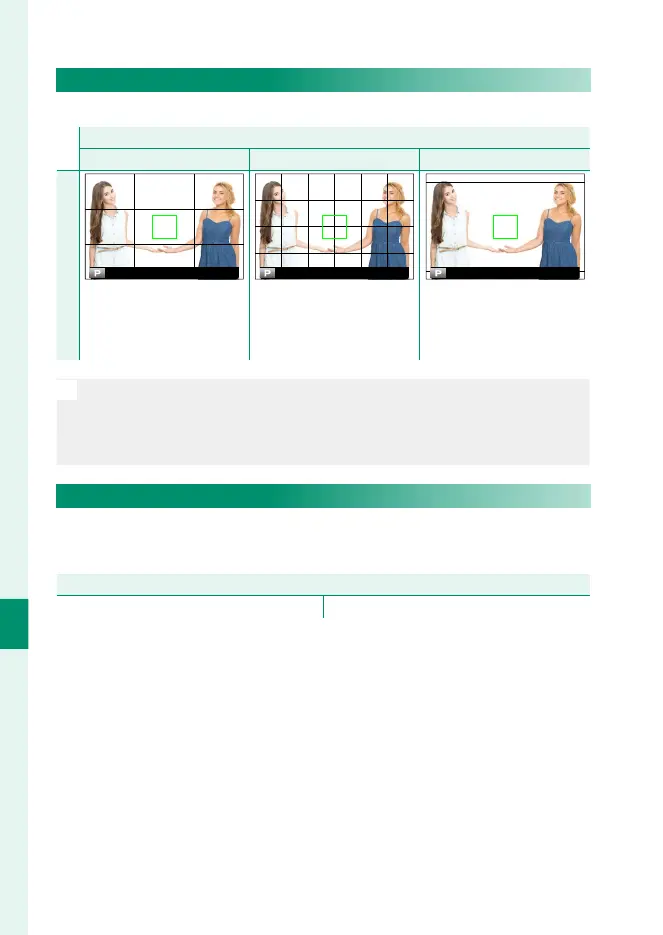
FRAMING GUIDELINE
Choose a framing grid for shooting mode.
Option
F
GRID 9
G
GRID 24
H
HD FRAMING
Display
For “rule of thirds” compo-
sition.
A six-by-four grid. Frame HD pictures in the
crop shown by the lines at
the top and bottom of the
display.
N
•
Framing guides are not shown at default settings but can be displayed
using D SCREEN SET-UP> DISP. CUSTOM SETTING (P 198).
•
HD framing can be customized using FUJIFILM Tether Shooting
Plug-in PRO or Hyper-Utility Software HS-V5.
AUTOROTATE PB
Choose ON to automatically rotate “tall” (portrait-orientation)
pictures during playback.
Options
ON OFF


 To Next Page
 Loading...












