21
4. Scroll the display with [ ] or [ ] to select appropriate
nature of distress among Undesignated, Fire,
Flooding, Collision,
Grounding, Listing, Sinking, Abandoning, Piracy,
and Man Overboard.
5. Press the [Enter] key to send the distress call.
6. Follow from step 4 in “Distress Call by DISTRESS
Button” on page 19.
4.3 Sending DSC Call to a Ship
To send a DSC call to a ship to propose a working
channel, do the following:
1. Press the [Call] key to display the Call type menu.
Call type
COAST CALL
SHIP CALL
PSTN CALL
GROUP CALL
ALL SHIPS CALL
DISTRESS CALL
2. Use [ ] or [ ] to choose SHIP CALL and press the
[Enter] key to open the Send message menu..
3. Enter the Ship ID and press the [Enter] key. Ship ID
(9 digits) may be entered manually with the numeric
keys or automatically through the Addr. Sel. file.
(Registration of ID required for automatic input. See
“4.10 Storing IDs” on page 29.)
Manual input
Key in Ship ID with the numeric keys and press the
[Enter] key.
Call type:
SHIP CALL
Ship ID:
Com channel:
06
Send message
Manual entry
Automatic input
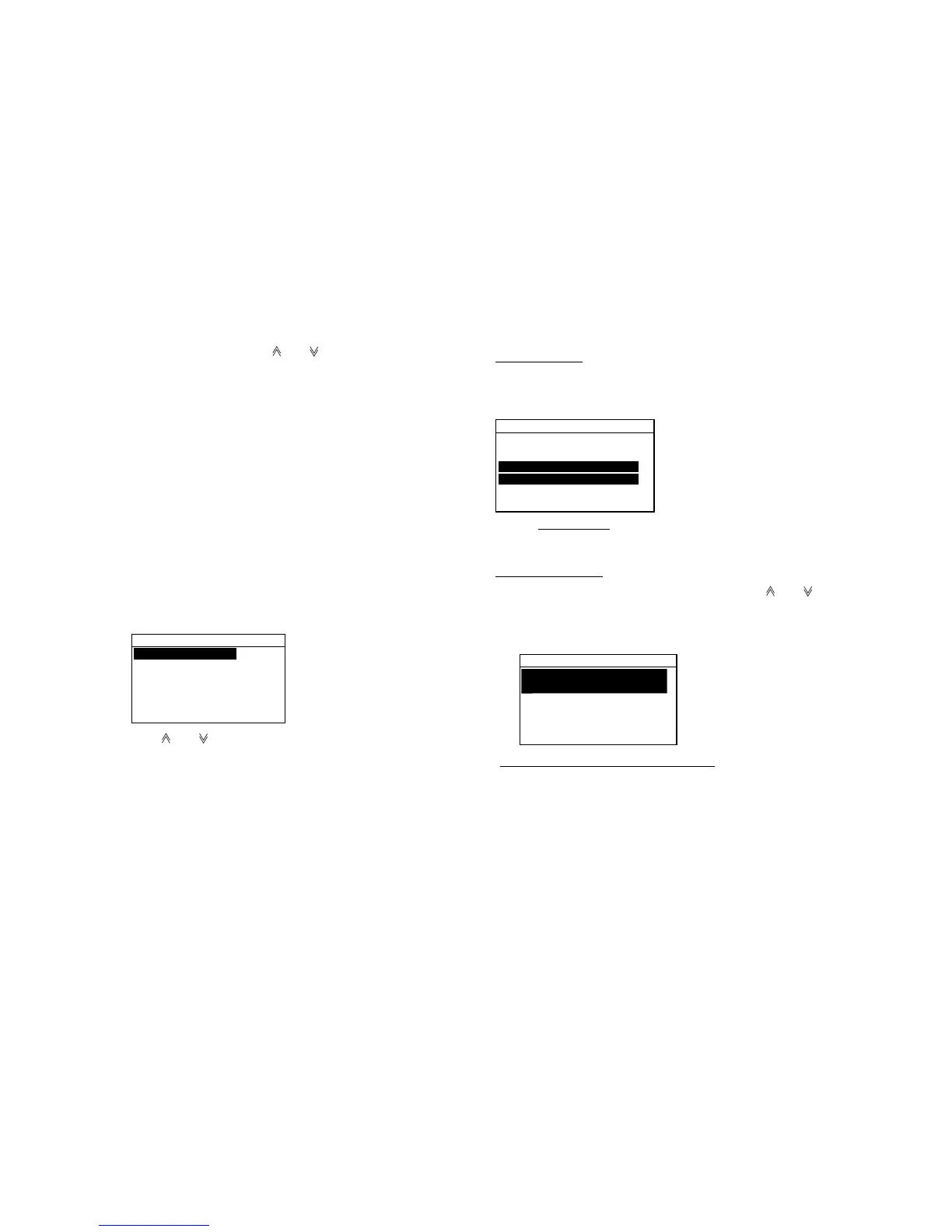
Press the [File] key. Scroll the display with [ ] or [ ] to
select the recorded name which you desire and press
the [Enter] key.
Addr. sel.
Automatic entry through Addr. sel. file
01:FURUNOMARU
02:FRIEND NO.2
03:FRIEND NO.3


 To Next Page
 Loading...









