Quick-Start
9
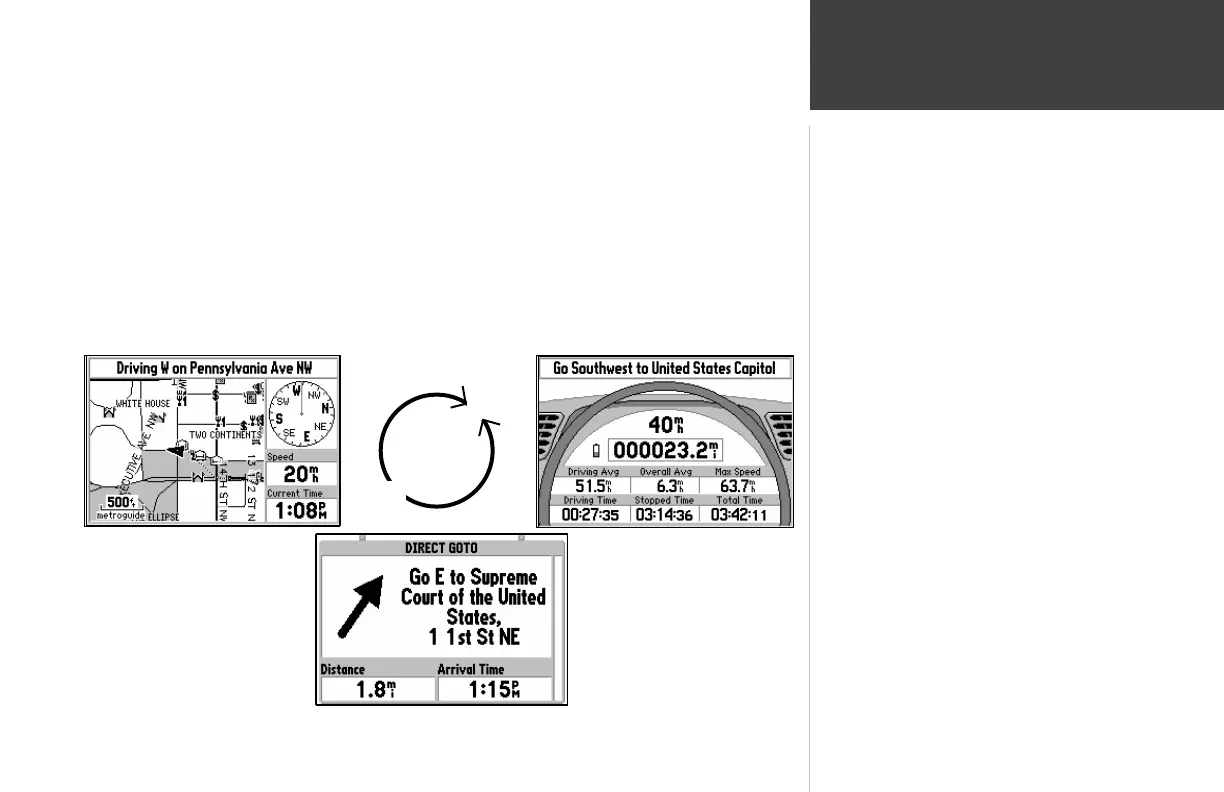
Main Page Sequence
Road Sign Page (If Navigating)
Dashboard Page
Map Page
QUIT
PAGE
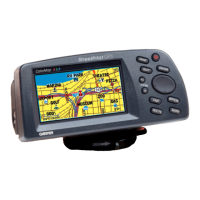
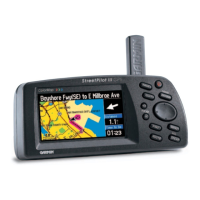
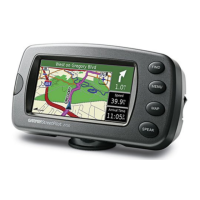
The StreetPilot features two main pages, the Map Page and the Dashboard Page. Press the
PAGE or QUIT key to switch back and forth between the two main pages.
If the StreetPilot is navigating to a destination, there is a third page called the Road Sign Page.
The diagram below shows the relationship between the main pages when this is the case. You could
say that the Road Sign Page is inserted “between” the Map Page and the Dashboard Page while
navigating to a destination.


 To Next Page
 Loading...