Reference
37
‘Comm Port’ File Tab
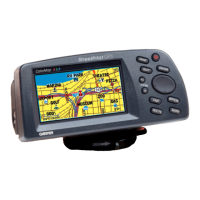
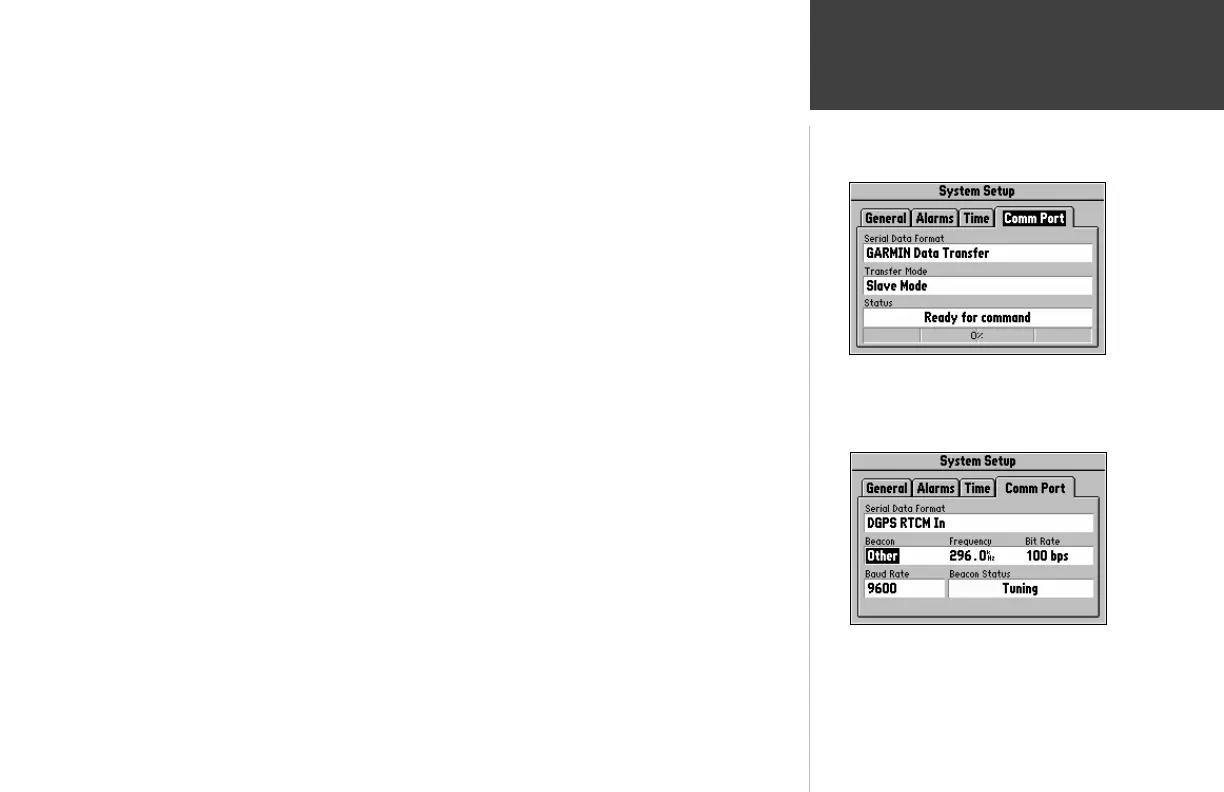
‘Comm Port’ File Tab (top right picture)
Serial Data Format - Allows you to control the input/output format used when connecting
the StreetPilot to external devices. Six format settings are available:
! GARMIN Data Transfer - the proprietary format used to exchange waypoint, route, and track
log data with a PC or with another StreetPilot.
! NMEA Out - supports the input/output of standard NMEA 0183 version 2.3 data.
! None - provides no interfacing capabilities.
! DGPS RTCM/NMEA - allows Differential GPS (DGPS) input using a standard RTCM format and
also provides NMEA 0183 version 2.3 data.
! DGPS RTCM In - allows a standard RTCM DGPS input and other baud rates (besides 4800),
without any output capabilities.
Refer to Appendix C for more information on Wiring/Interfaces.
‘Comm Port’ File Tab
To select a serial data format:
1. Highlight the Serial Data Format field and press the ENTER key (lower right picture).
2. Select the desired setting and press the ENTER key.
Selecting an RTCM Format


 To Next Page
 Loading...