Camera Functions
1. Switch On
Momentarily press the power button on top of the DRS-NV to activate the digital night vision camera. You
will see the following page: (As shown in Figure 7)
Figure 7
2. Power Off and Shake Awake
Press and hold the top power button for 2 seconds to turn off the night vision camera. While OFF, press and
hold the top power button for 5 seconds to enter the Shake Awake activation mode. Momentarily press for
1 second to turn Shake Awake ON or OFF. When the red indicator light flashes once every two seconds Shake Awake
is ON. When the red indicator light flashes three times Shake Awake is OFF. Press and hold for 5 seconds to exit the
Shake Awake activation mode. When Shake Awake is activated, the DRS-NV will enter sleep mode. Any slight
vibration or movement will turn the DRS-NV back on.
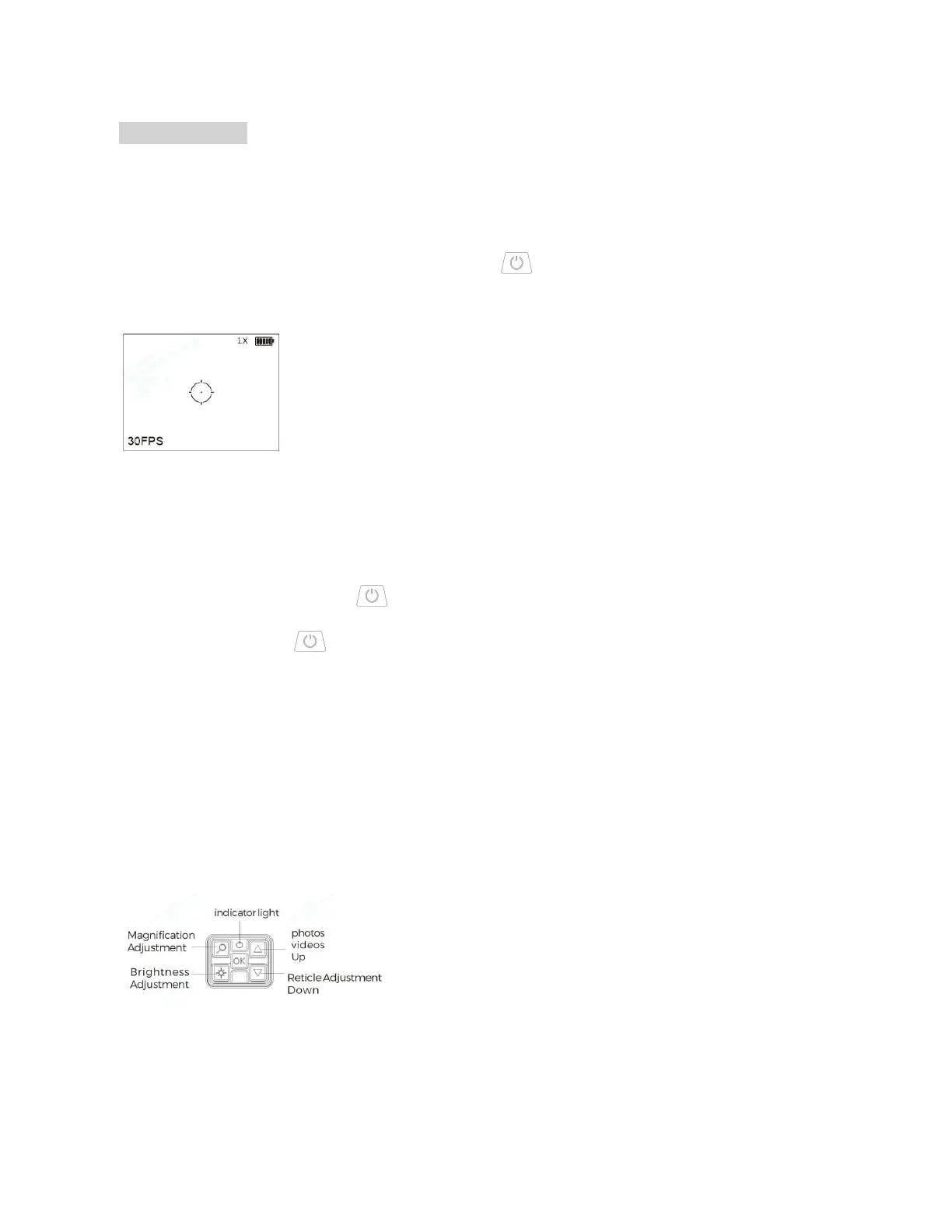
3. Camera Control Buttons (As Shown in Figure 8)
Note: All Button and menu settings are automatically saved.
Figure 8



 To Next Page
 Loading...