70
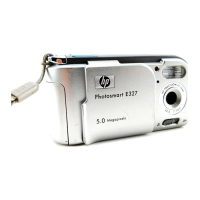
HP Photosmart E327 User Guide
Transferring images to a computer
without HP Photosmart Software
If you do not, or cannot, install HP Photosmart Software on
your computer, there are three ways to transfer images from
your camera to the computer:
• Connect your camera to the computer as a Digital
Camera (Windows XP or Mac OS X only)
• Use a memory card reader
• Configure the camera as a disk drive
Connecting your camera as a digital camera
If you have a Windows XP system, or a Mac OS X system,
simply connect the camera to your computer directly, and the
operating system will launch a program to help you transfer
images. Check that your camera USB Configuration in the
Setup Menu is set to Digital Camera (see page 63), and
connect the camera to your computer with the USB cable.
Downloaded from ManualsCamera.com Manuals


 To Next Page
 Loading...