To ensure battery safety, the charging current will be decreased substantially when the ambient
temperature is too low. This means it will need longer to charge. It is recommended that you charge your
band in an environment with an ambient temperature higher than 20°C.
Checking the battery level:
l If the screen is on, just tap the screen to check the battery.
l Alternatively go to More > Battery to check it.
l You can also open the Huawei Health app on the connected phone and touch Devices to
see the battery level.
Battery level is displayed as a whole number percentage.
Low battery alert
If the battery level is lower than 10%, your band will vibrate, and the band screen will display
to remind you to charge your band as soon as possible.
1.6 Icons
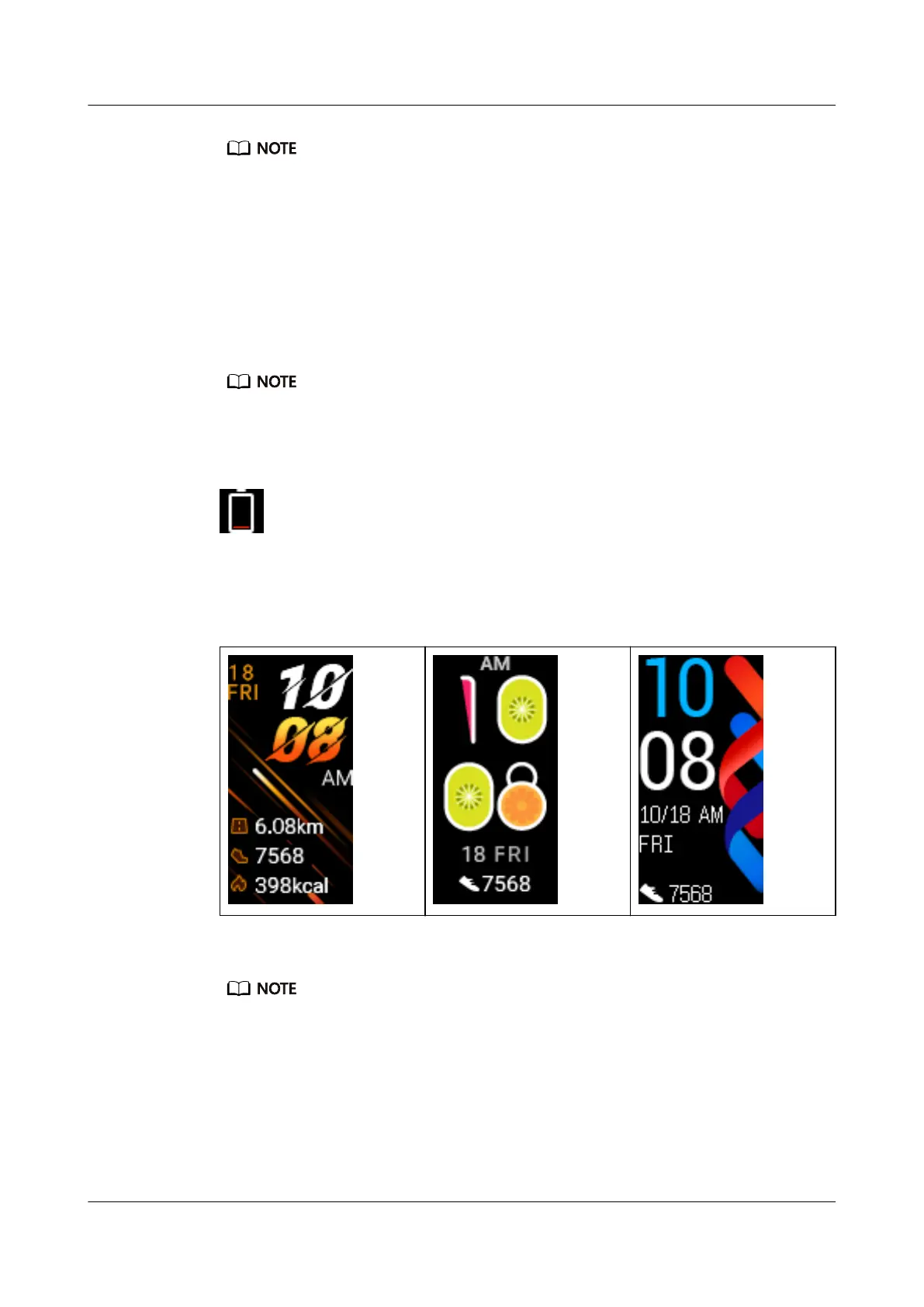
Preinstalled watch faces:
Actual appearances may vary. Watch faces are subject to change, and the ones above are for reference
only.
Level 1 menu:
HUAWEI Band 4
User Guide
1 Getting started
Issue 01 (2019-10-23) Copyright © Huawei Technologies Co., Ltd. 7


 To Next Page
 Loading...