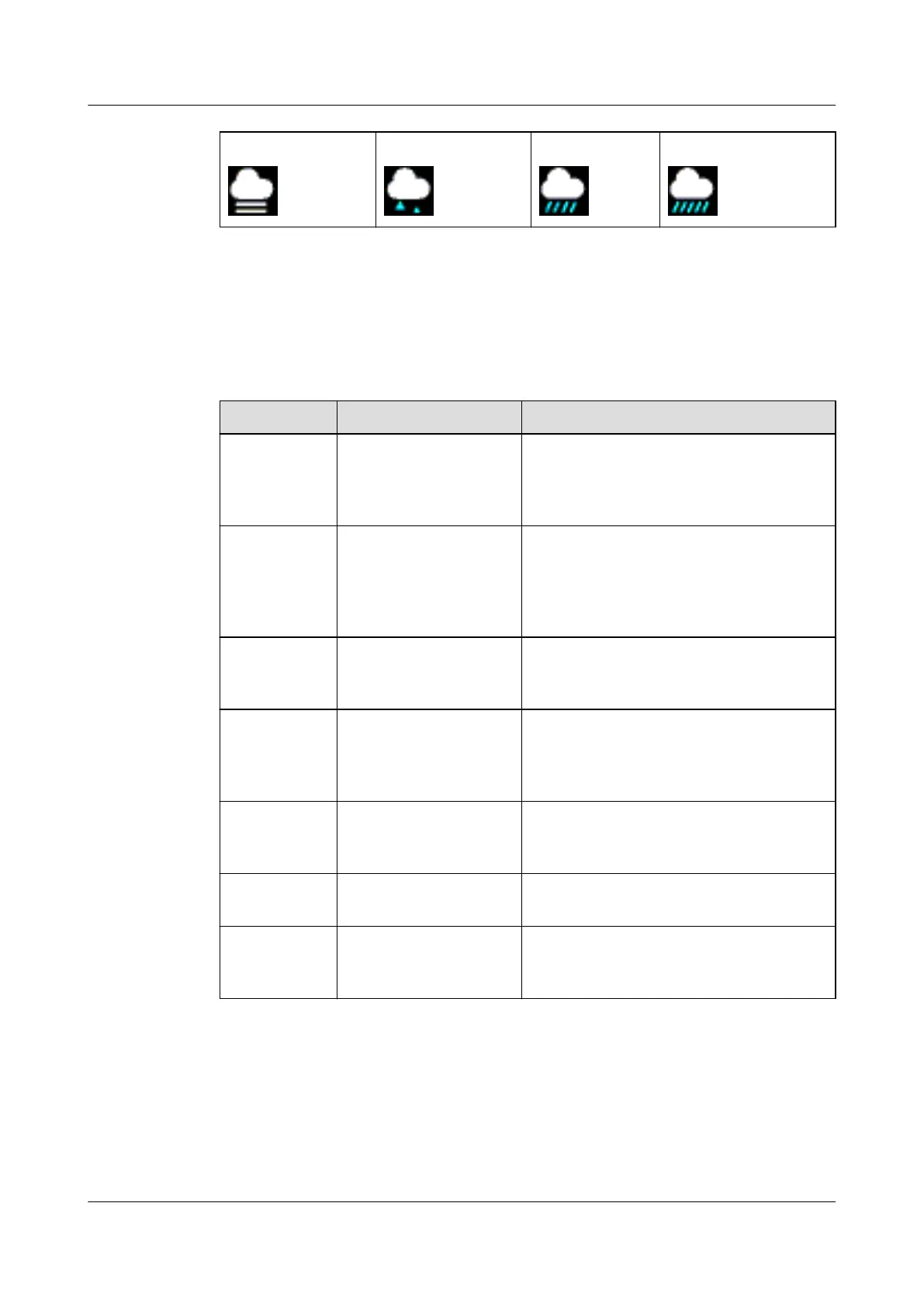
Fog Freezing rain Heavy rain Heavy rain storms
1.7 Controlling your band screen
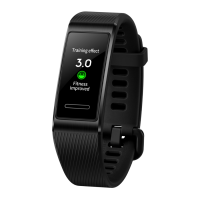
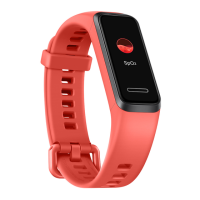
Your band has a full screen touchscreen and can detect up, down, and right swipes, as well as
when you touch and hold the screen. It works with the Home key to make using your band
even easier.
Steps
Function Notes
Touch the
Home key
when the
screen is on
Return to the home
screen
There are certain cases such as during
workouts or calls where this won't work.
Touch the
Home key
when the
screen is off
Wake the band Touching the Home key when the screen has
been off for less than 10 seconds will take
you back to the last screen, if it has been
more than 10 seconds, this will bring you to
the home screen.
Swipe right
from the home
screen
Check messages on your
band
You will only see messages if you have some
saved on your band. This screen is for
deleting messages.
Swipe right on
screens other
than the home
screen
Return to the previous
screen
-
Swipe up or
down on the
level 1 screen
Browse through features -
Touch the
screen
Select and confirm -
Touch and
hold the home
screen
Change watch faces -
Waking the screen
To wake the screen, touch the Home key, raise your wrist, or rotate your wrist towards
yourself. The screen will sleep again after 5 seconds if you don't do anything.
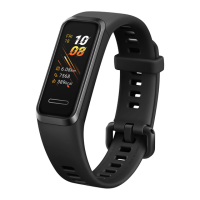
HUAWEI Band 4
User Guide
1 Getting started
Issue 01 (2019-10-23) Copyright © Huawei Technologies Co., Ltd. 11


 To Next Page
 Loading...