16 EN
1
3
2
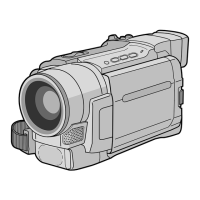
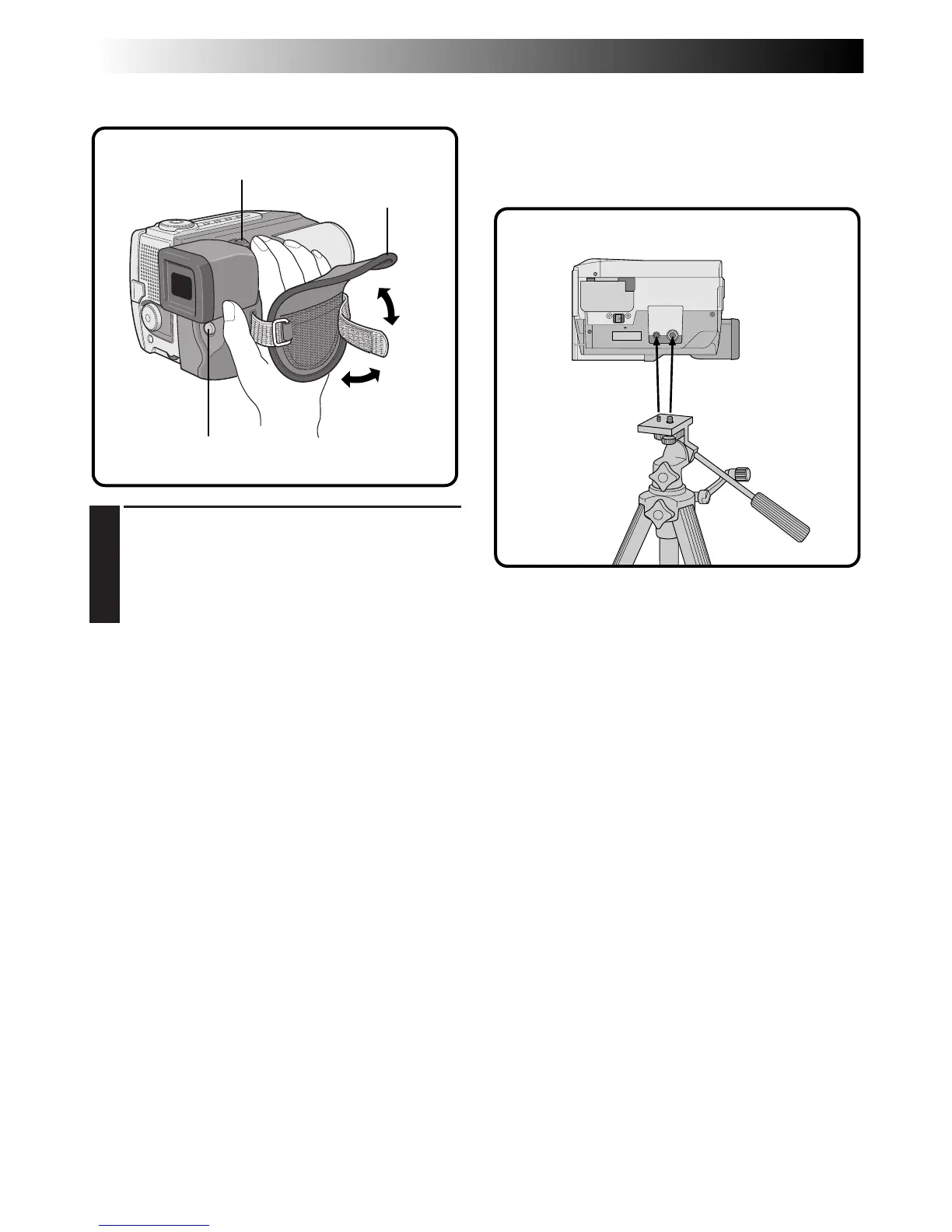
Grip Strap Attachment Tripod Mounting
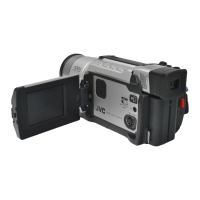
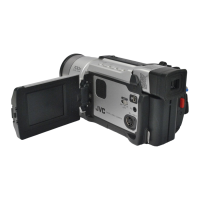
Align the tripod’s screw with the mounting socket on
the bottom of the camcorder.
The camcorder can be mounted on a tripod even
with the Power Pack attached.
1
ADJUST LENGTH
Open the pad 1. Adjust so your thumb and
fingers can easily operate the START/STOP
button and the zoom switch. Position the pad
so that it contacts the back of your hand 2,
then re-attach it 3.
START/STOP
Zoom switch
Pad
Bottom of the camcorder
GETTING STARTED
(Cont.)


 To Next Page
 Loading...