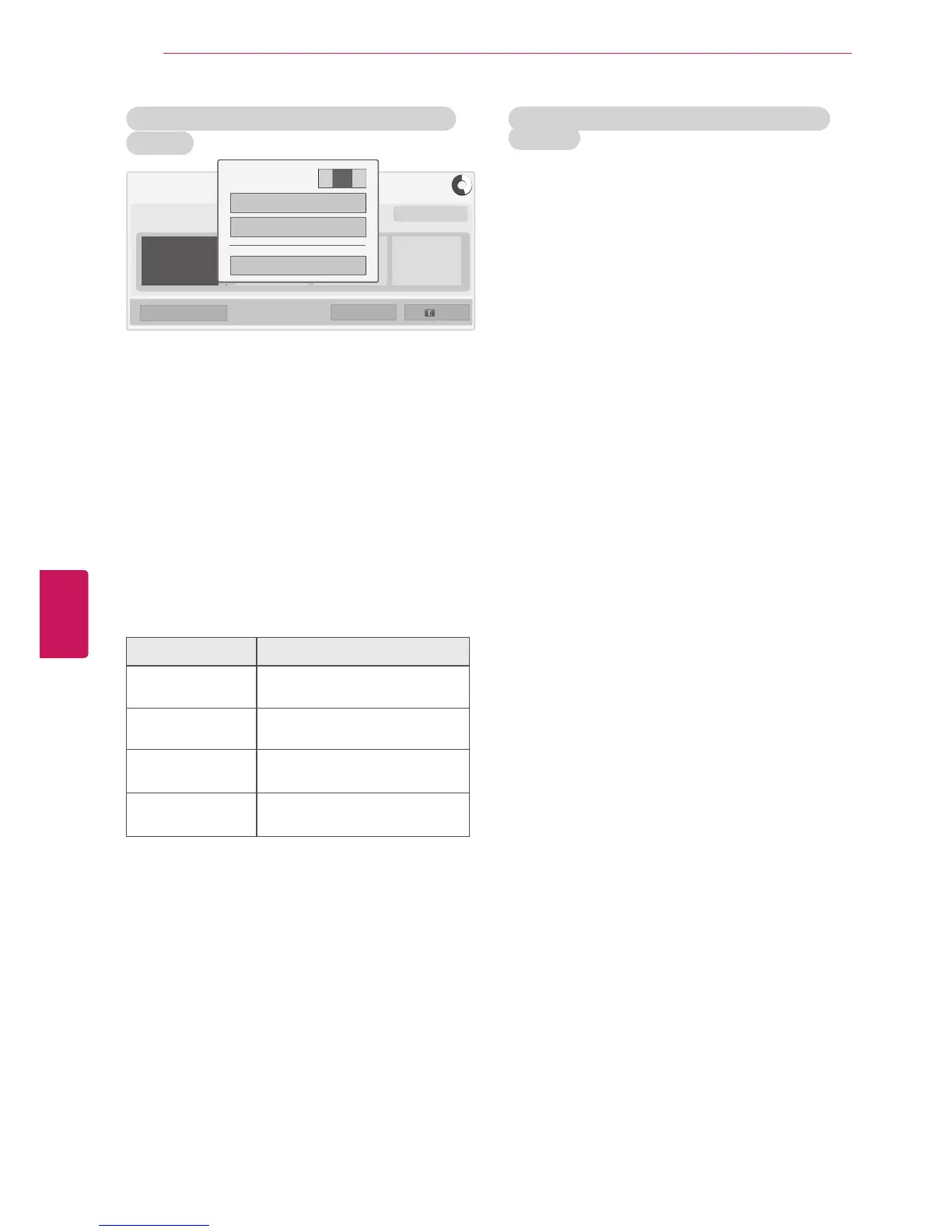
Time Machine Mode change during using Time
Machine
� Recording starts.
1
After connecting USB device, press the
ENTER
button.
2
Press Yellow button to show the Time
Machine option menu and press
Q.MENU
.
3
Press the Navigation buttons to scroll to
Time
Machine Mode
and press
ENTER
.
4
Press Navigation buttons to scroll to
On or Off
and press
ENTER
.
5
When you are finished, press
EXIT
.
When you return to the previous menu, press
BACK
.
Menu Description
Recorded TV Moves to the
Recorded TV
.
Schedule List Moves to the
Schedule List
.
Select schedule by
date
Moves to the
Manual Timer
.
Select schedule by
program
Set up timer recording by going
to the Program Guide.
USB Device Reinitialization during using Time
Machine
1
After connecting USB device, press the
ENTER
button.
2
Press Yellow button to show the Time
Machine option menu and press
Q.MENU
.
3
Press the Navigation buttons to scroll to
USB
device Initialization
and press
ENTER
.
4
When you are finished, press
EXIT
.
When you return to the previous menu, press
BACK
.
76
ENG
ENGLISH
ENTERTAINMENT


 To Next Page
 Loading...