Normal
audio
Y
N
Move to No
video/No audio
No video
Normal audio
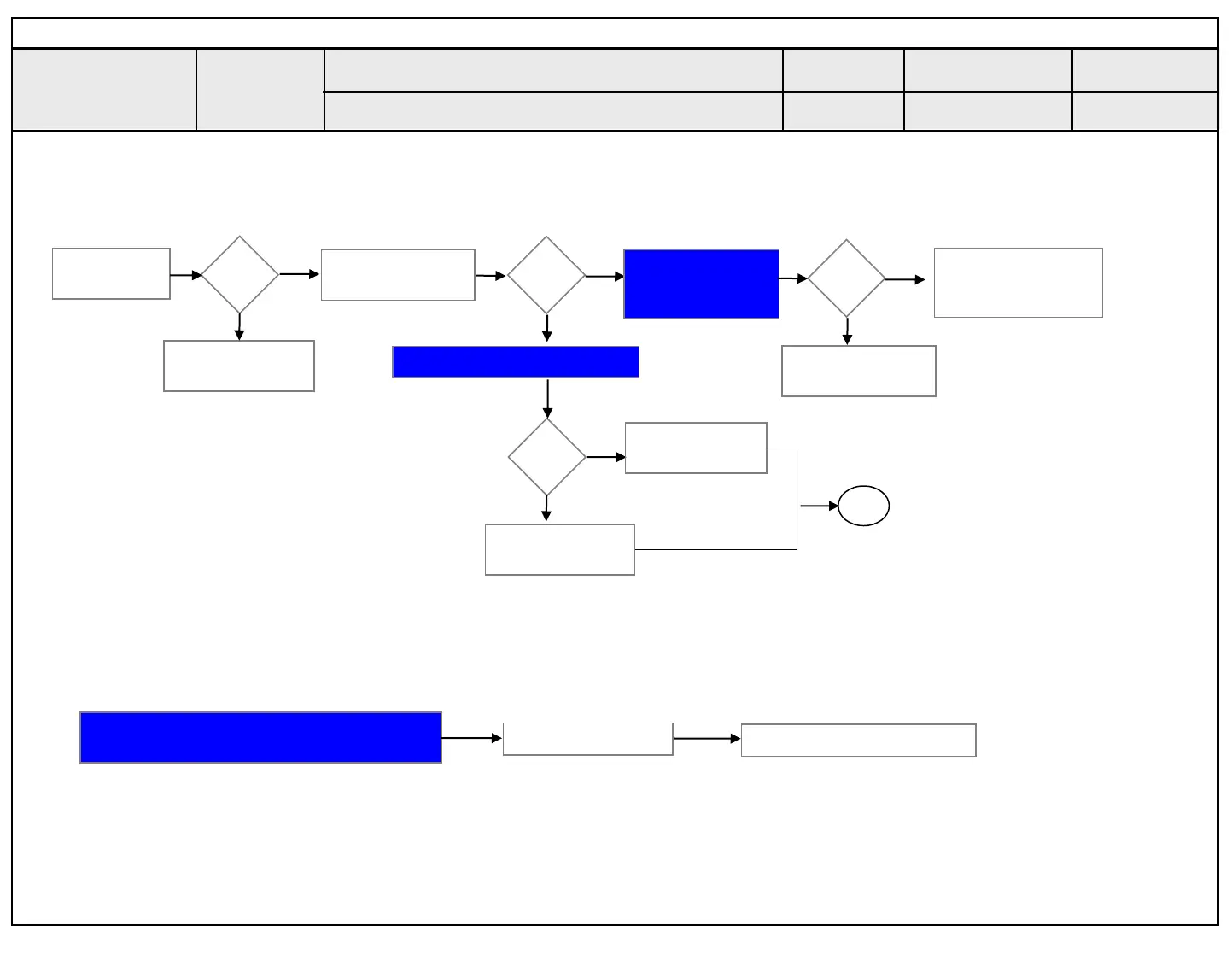
Check Back Light
On with naked eye
On
Y
N
Check Power
Board
13V
Normal
voltage
Y
N
Replace T-con/Main
Board or module
And Adjust VCOM
Repair Power
Board or parts
Check Power Board 13V output
Normal
voltage
Y
Replace Inverter
or module
N
Repair Power
Board or parts
End
Always check & record S/W Version and White
Balance value before replacing the Main Board
Replace Main Board
Re-enter White Balance value
※Precaution
Established
date
Standard Repair Process
Revised date
1/16
Error
symptom
A. Video error
No video/ Normal audio
☞A18
☞A18
☞A4 & A2
First of all, Check whether all of cables between board is inserted properly or not.
(Main B/D↔ Power B/D, LVDS Cable, Speaker Cable, IR B/D Cable,,,)
1
Copyright © 2016 LG Electronics Inc. All rights reserved.
Only for training and service purposes


 To Next Page
 Loading...