37
ENTERTAINMENT
Listening to Music
You can play audio les stored on the
connected device.
Audio File
*.MP3
Bit rate range 32 Kbps - 320 Kbps
y
Sampling rate MPEG1 Layer3:
32 kHz, 44.1 kHz, 48 kHz
y
Sampling rate MPEG2 Layer3:
16 kHz, 22.05 kHz, 24 kHz
Browsing Music List
1 Connect a USB storage device.
2 Press the USB button.
3 Use the button to
select Music List and press the OK
button.
4 Use the button to
select the le you want and press the
OK button.
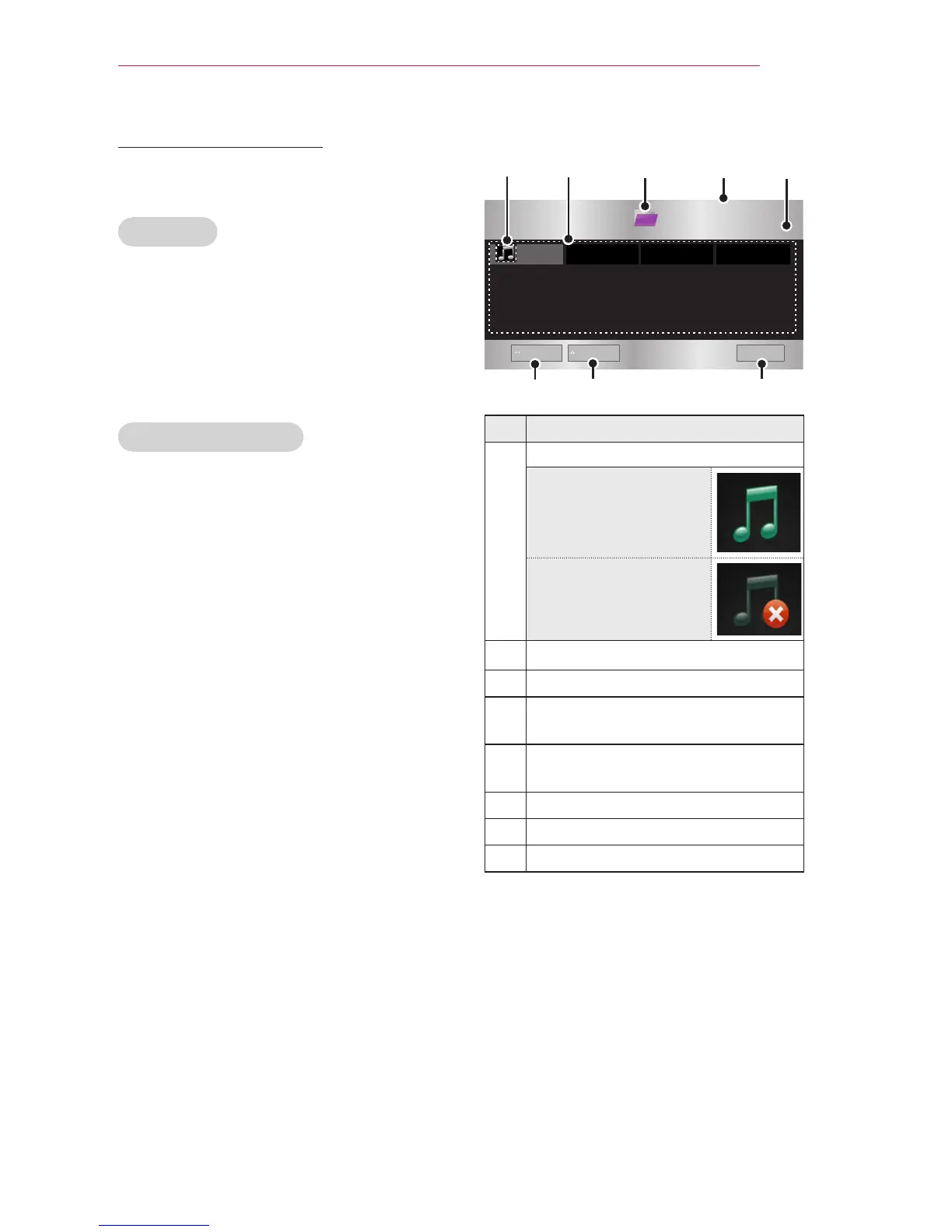
Buttery_...
Description
Thumbnails
Abnormal file
File not supported
File List
Moves to the upper level folder.
Current page/Total no. of folder
pages
Current page/Total no. of file
pages
Moves to the top level folder.
Moves to the upper level folder.
Shutdown


 To Next Page
 Loading...







