81
SMARTSHARE
ToUseVoiceMateFunction
WhatIsVoiceMate?
Voice Mate allows you to search desirable programs and content with your
voice and adjust the projector.
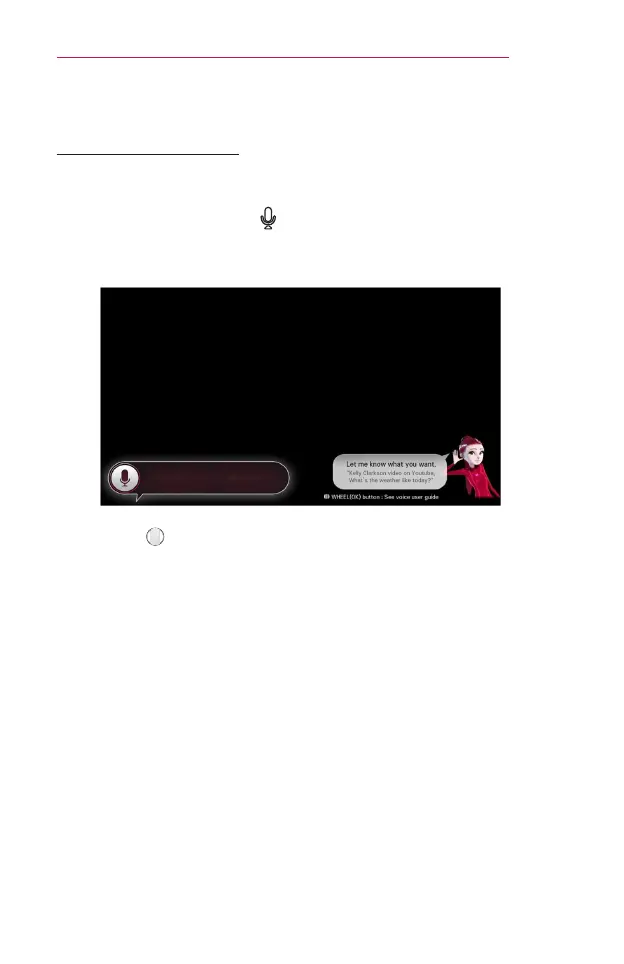
1 Press the voice recognition button on the magic remote control.
2 When the Voice Display bar is activated on the left of the screen, say
what you want to watch.
3 Press the Wheel(OK) button with the Voice Search standby to see
the supported language in the voice guide.


 To Next Page
 Loading...










