15
ENGLISH
3.7 Fill & Start
The Fill & Start feature automatically adjusts all machine settings.
When Fill & Start
is started, the machine will pick one sheet from each filled feeder.
The picked documents will be folded (if necessary) and inserted into an envelope.
Using Fill & Start
1. Load envelopes.
2. Make sure there is sufficient sealing liquid in the
sealing liquid reservoir. If the reservoir has just
been filled, wait approximately 5 minutes for the
brushes to moisten. See “Sealing envelopes” on
page 14.
3. Load the documents face up and leading.
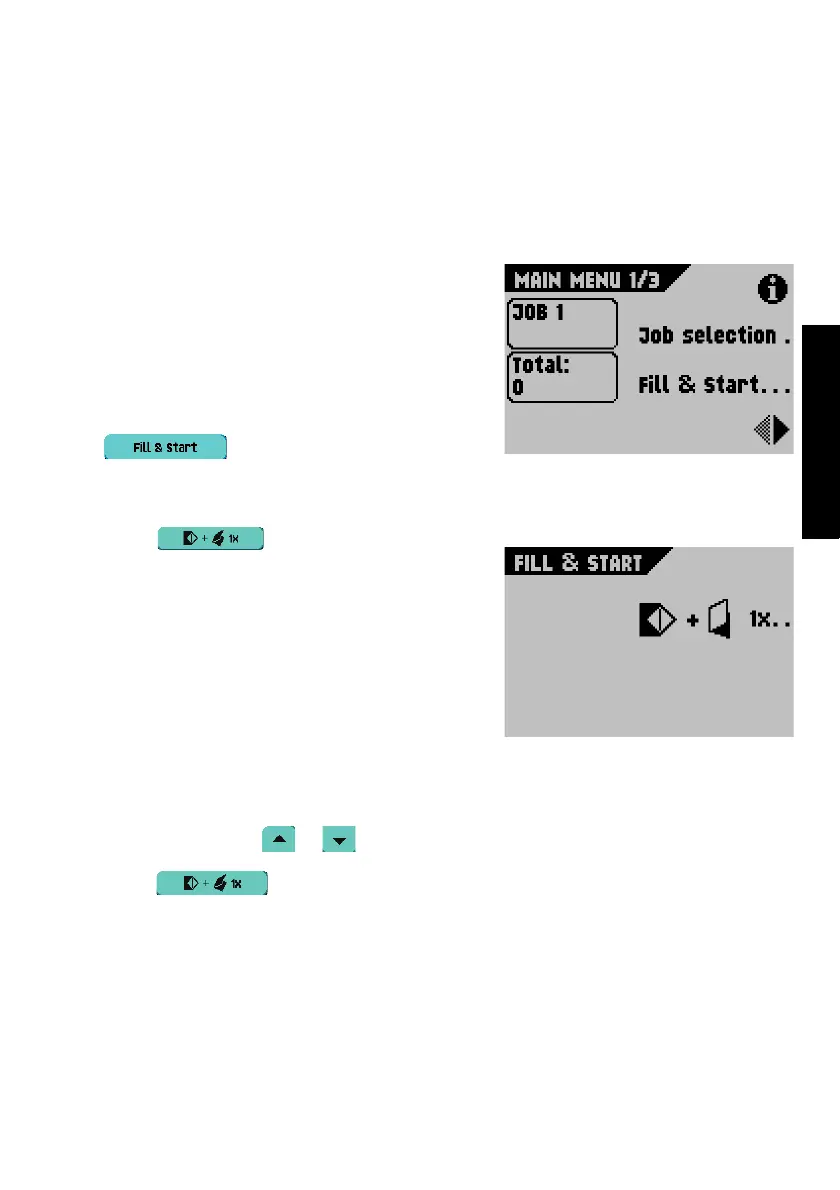
4. From the Main menu 1/3, select
.
5. After a few seconds, the Fill & Start
screen will
appear.
6. Select to load a folded sheet into
an envelope.
The envelope will be:
- sealed if sealing is enabled (see “Sealing
envelopes” on page 14).
- ejected into the envelope tray, ready for
inspection.
Address position
1. Check the position of the address in relation to the address window in the envelope.
2. If necessary, select or to adjust the address position.
3. Select to make another test run.
4. Recheck the position of the address, and adjust as required.


 To Next Page
 Loading...