84
Connecting to a Computer
Connecting to Televisions, Computers and Printers
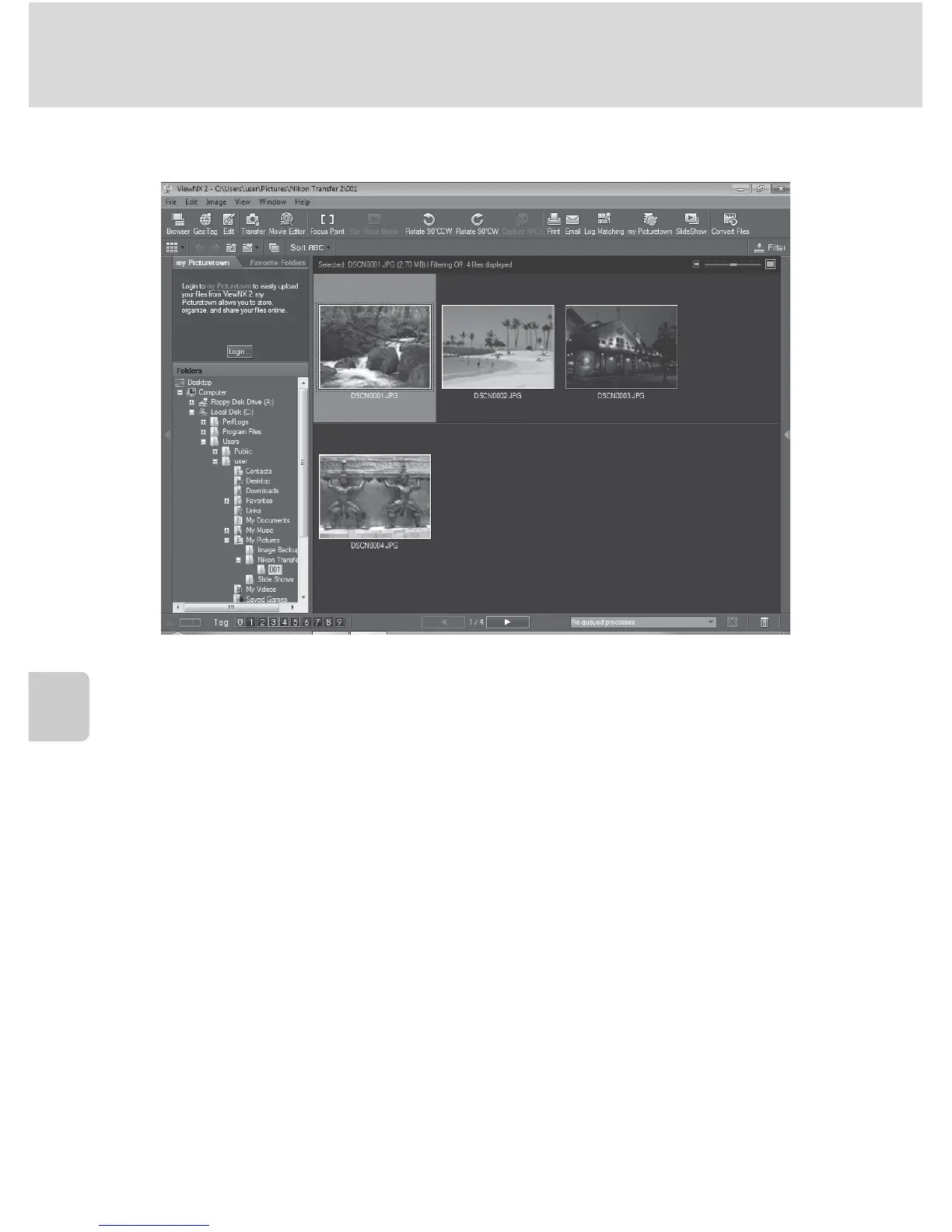
When transfer is complete, the ViewNX 2 screen is displayed (ViewNX 2 default setting)
and transferred images are displayed.
For more information on using ViewNX 2, refer to the ViewNX 2 help information
(A 85).
Disconnecting the Camera
Do not turn off the camera or disconnect the camera from the computer during
transfer.
When transfer is complete, turn off the camera and disconnect the USB cable.


 To Next Page
 Loading...











