E15
Playing and Deleting Images Captured Using Continuous Shooting Mode (Sequence)
Reference Section
C Playback Menu Options Available When Using Sequence
When the d button is pressed during an image sequence playback, the following menu
operations are available.
1
Press the d button after displaying individual images. Settings can be applied to individual
images.
2
When the d button is pressed during displaying only the key picture, the same settings can be
applied to all images in that sequence. Press the d button after displaying individual images to
apply settings to individual images.
Deleting Images in a Sequence
When Sequence display options (E64) is set to Key picture only in the
playback menu, if the l button is pressed and the deletion method is selected,
the following images are deleted.
• When a sequence is displayed by its key picture only:
- Current image: When the sequence is selected, all images in the sequence
are deleted.
- Erase selected images: When the key picture is selected in the erase
selected images screen (A33), all images in the sequence are deleted.
- All images: All images including the sequence that is displayed are deleted.
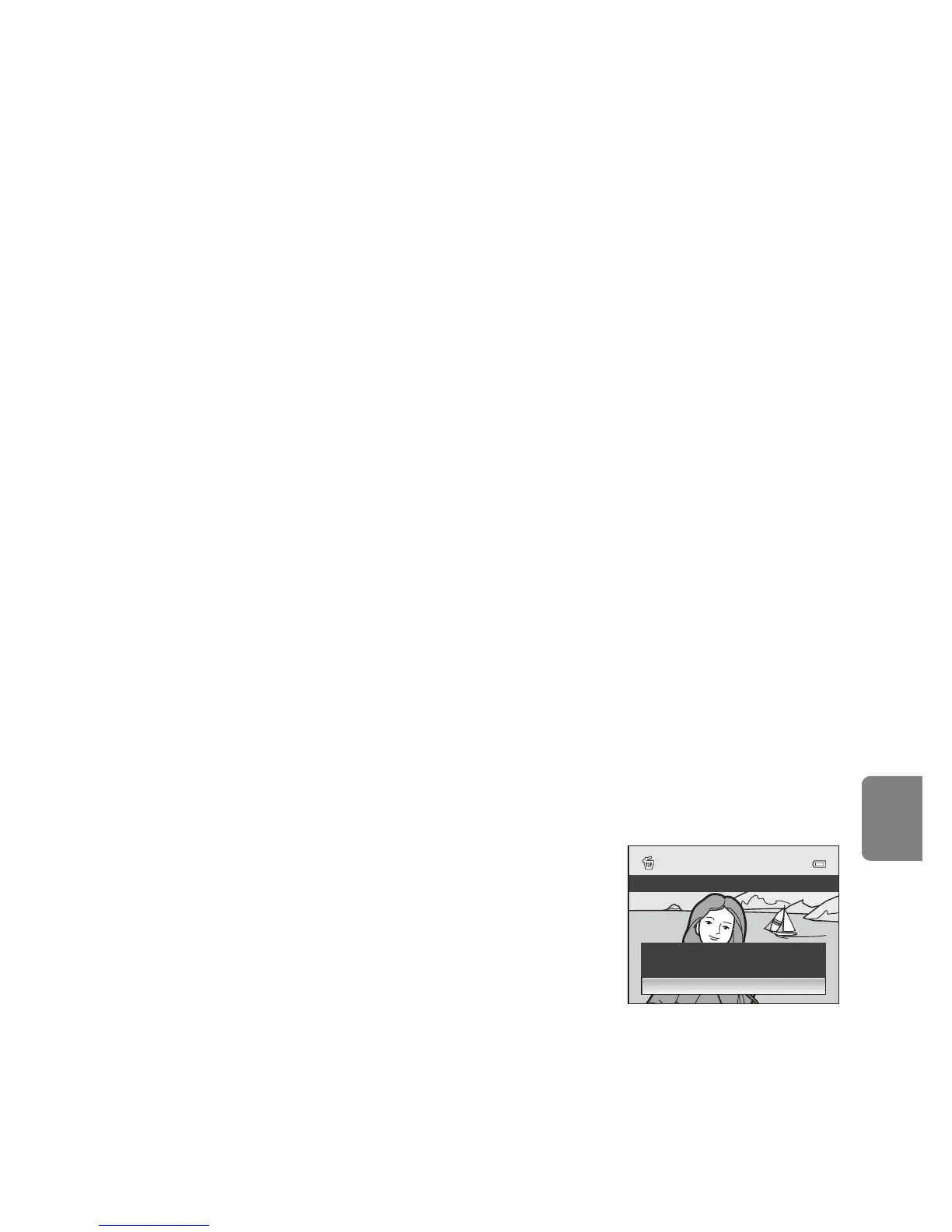
• If the key picture is selected and the k button is pressed to display individual
images in the sequence before pressing the l button:
The deletion methods change to the followings.
- Erase current picture: Delete the image that is
displayed.
- Erase selected images: Select multiple images in
the sequence to delete in the erase selected
images screen (A33).
- Erase entire sequence: All images in the
sequence, including the image that is displayed,
are deleted.
• Quick retouch
1
➝ E18
• D-Lighting
1
➝ E18
• Skin softening
1
➝ E19
• Filter effects
1
➝ E20
• Print order
2
➝ E56
• Slide show
➝ E58
• Protect
2
➝ E59
• Rotate image
1
➝ E61
• Small picture
1
➝ E21
• Voice memo
1
➝ E62
• Copy
2
➝ E63
• Black border
1
➝ E22
• Sequence display options
➝ E64
• Choose key picture
➝ E64
Erase entire sequence
Erase selected images
Erase current picture
Delete


 To Next Page
 Loading...










