4
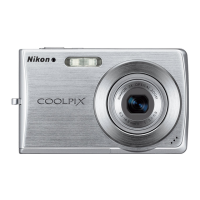
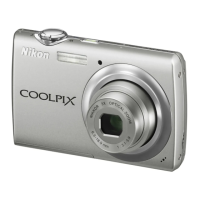
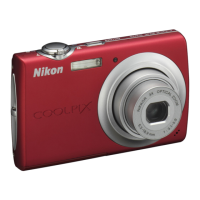
Parts of the Camera
Parts of the Camera and Basic Operation
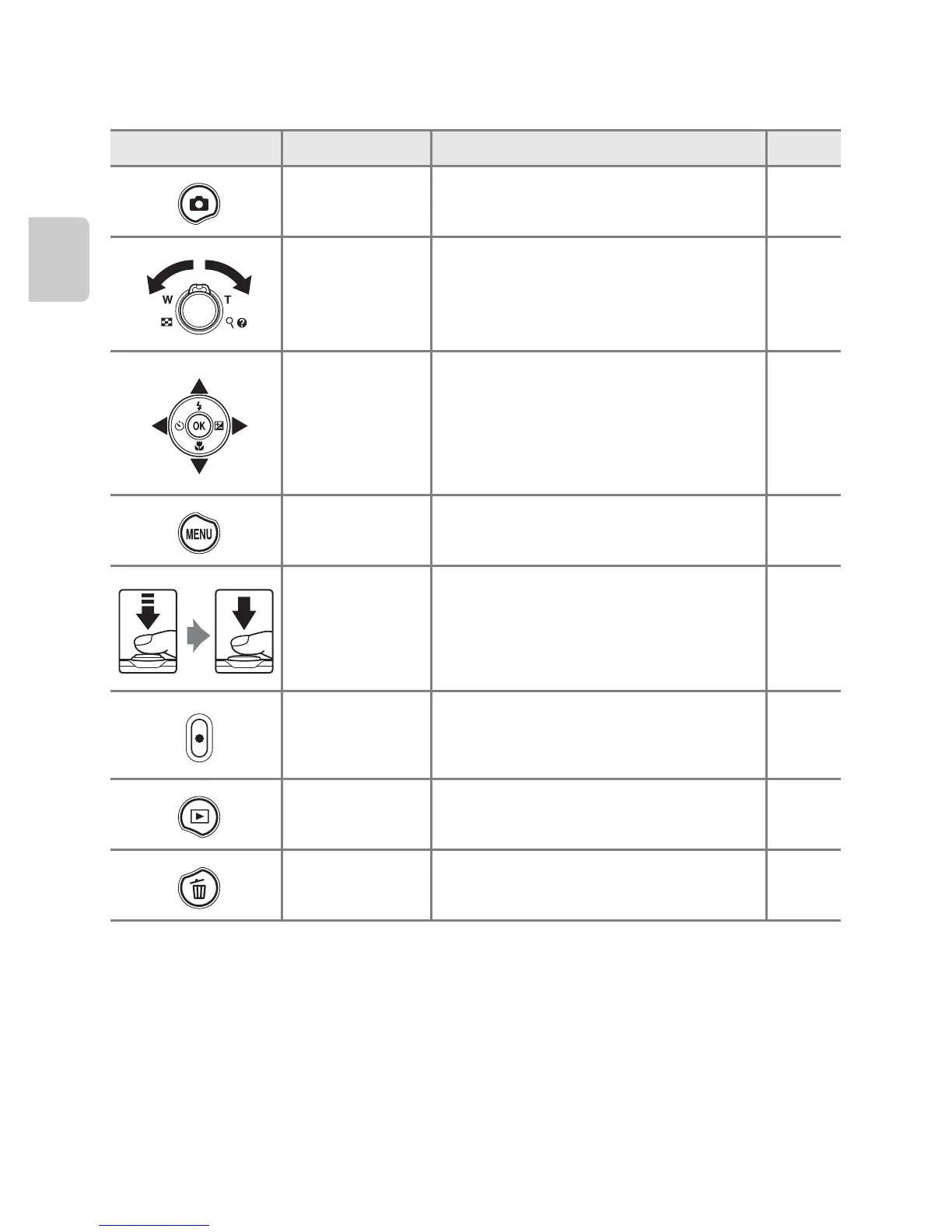
Camera Controls Used in Shooting Mode
Control Name Main function A
Shooting mode
button
Changes the shooting mode (displays
the shooting-mode selection screen).
24
Zoom control
Zooms in and out; rotate to g (i) to
zoom in, and rotate to f (h) to zoom
out.
27
Multi selector
See “Using the Multi Selector” for more
information.
9, 10
Menu button Displays and hides the menu.
10, 36,
77, 82
Shutter-release
button
When pressed halfway (i.e., if you stop
pressing when you feel resistance): Sets
focus and exposure.
When pressed all the way: Releases the
shutter.
28
Movie-record
button
Starts and stops movie recording. 74
Playback button Plays back images.
30, 66,
78
Delete button Deletes the last image that was saved. 32


 To Next Page
 Loading...