3. Press the OK button to lock in your choice.
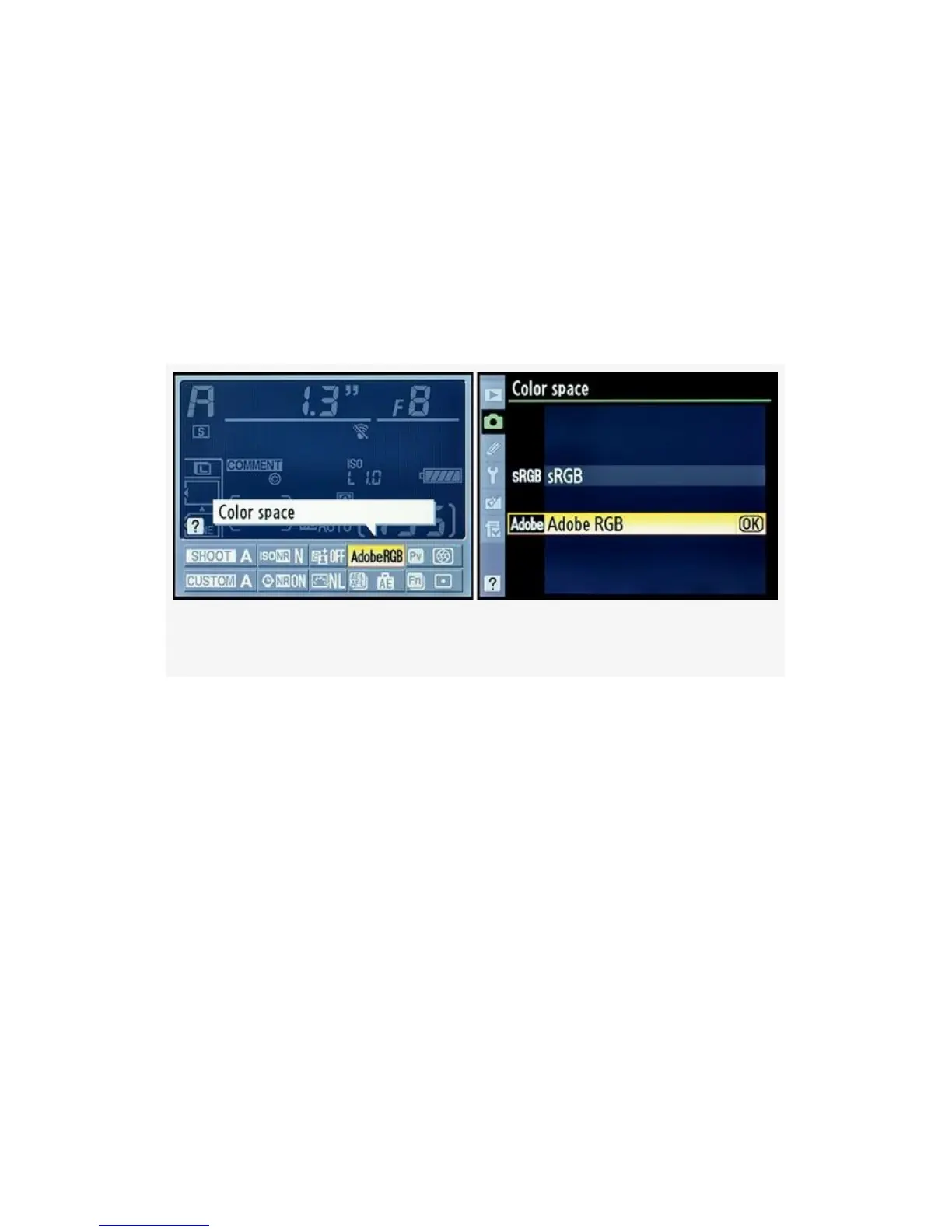
The D300S also allows you to access the Color space settings
via the shortcut Information display edit screen. You simply
press the Info button twice and select the color space location,
then press the OK button (see Figure 3-38). The second Color
space screen in Figure 3-38 is the same as in Figure 3-37,
image 2, and is adjusted by steps 2 and 3 outlined above.
Figure 3-38. D300S Info. display edit screen – Color space
Adobe RGB uses colors from a broader selection of the total
color range—it has a wider gamut. So, if you are taking
images that might later be printed, Adobe RGB is often the
best color space to use (see the sidebar Which Color Space
Is Best—Technically?).
Once a JPEG file is created, in the camera or computer, both
Adobe RGB and sRGB’s color gamut are compressed into the
same number of color levels. A JPEG has only 256 levels for
each of its red, green, and blue (RGB) channels. However,
since the Adobe RGB color space takes its colors from a
wider spectrum, you will have a better representation of
reality when there are lots of colors in your image.
191


 To Next Page
 Loading...











