LCD Brightness
(User’s Manual – D300S page 301; D300 page 313)
LCD brightness is more important than many people realize.
If the Monitor is too dim, you’ll have trouble seeing your
images in bright light. If it is too bright, you might allow
some images to be underexposed, thinking that they look fine
on the Monitor. Even a seriously underexposed image may
look okay on a screen that is too bright.
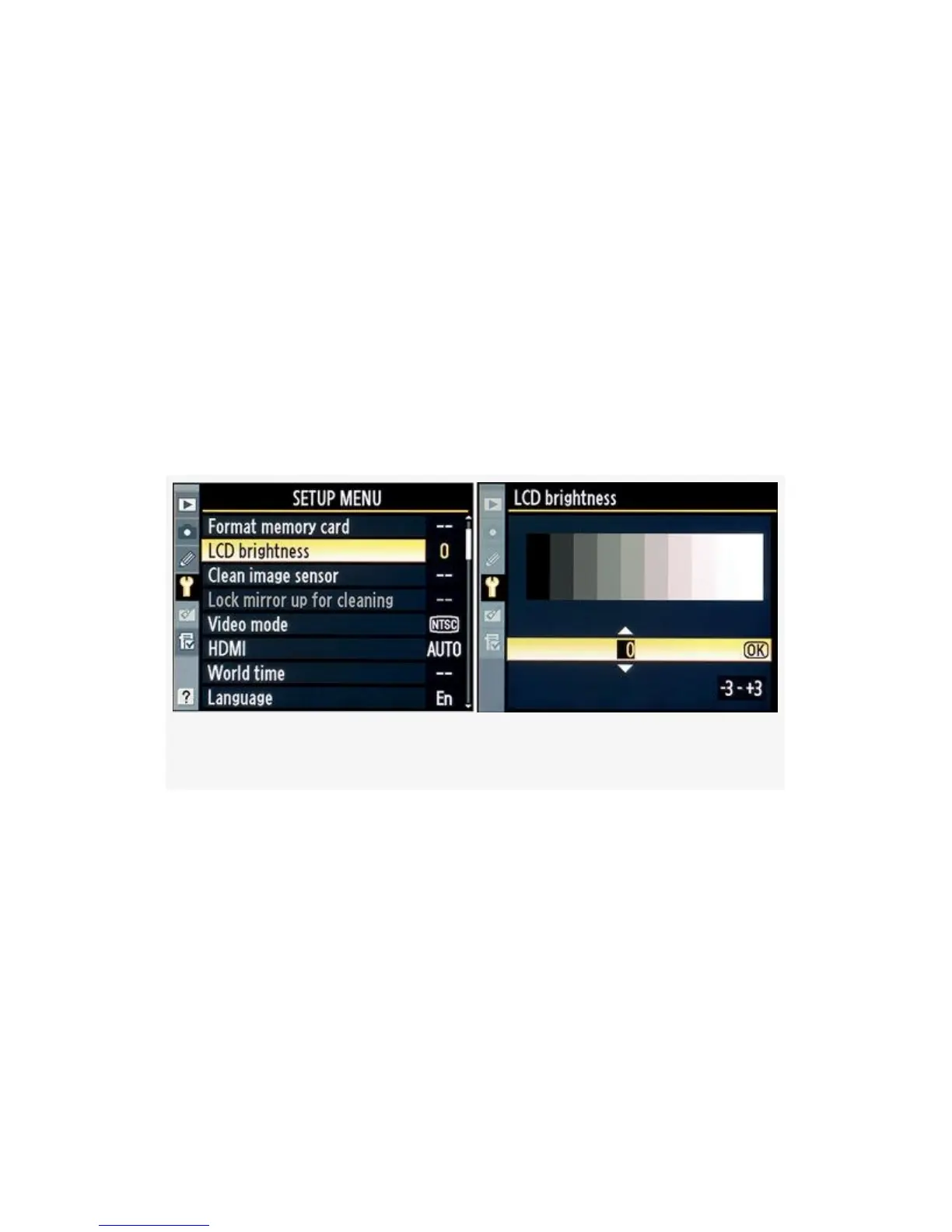
Figure 5-5. LCD brightness settings
You can select from seven levels of brightness—from -3 to
+3—as shown in Figure 5-5. Here are the available values: -3,
-2, -1, 0, +1, +2, +3. Use these steps for setup:
1. Once you’ve selected LCD brightness from the Setup
Menu, scroll right and you’ll see the screen shown in
Figure 5-5, image 2.
2. Use the Multi Selector to scroll up or down through the
values listed. Adjust the brightness until you can barely
438


 To Next Page
 Loading...











