2. Hold down the Fn (FUNC.) button and turn the rear
Main command dial to select the number of frames you
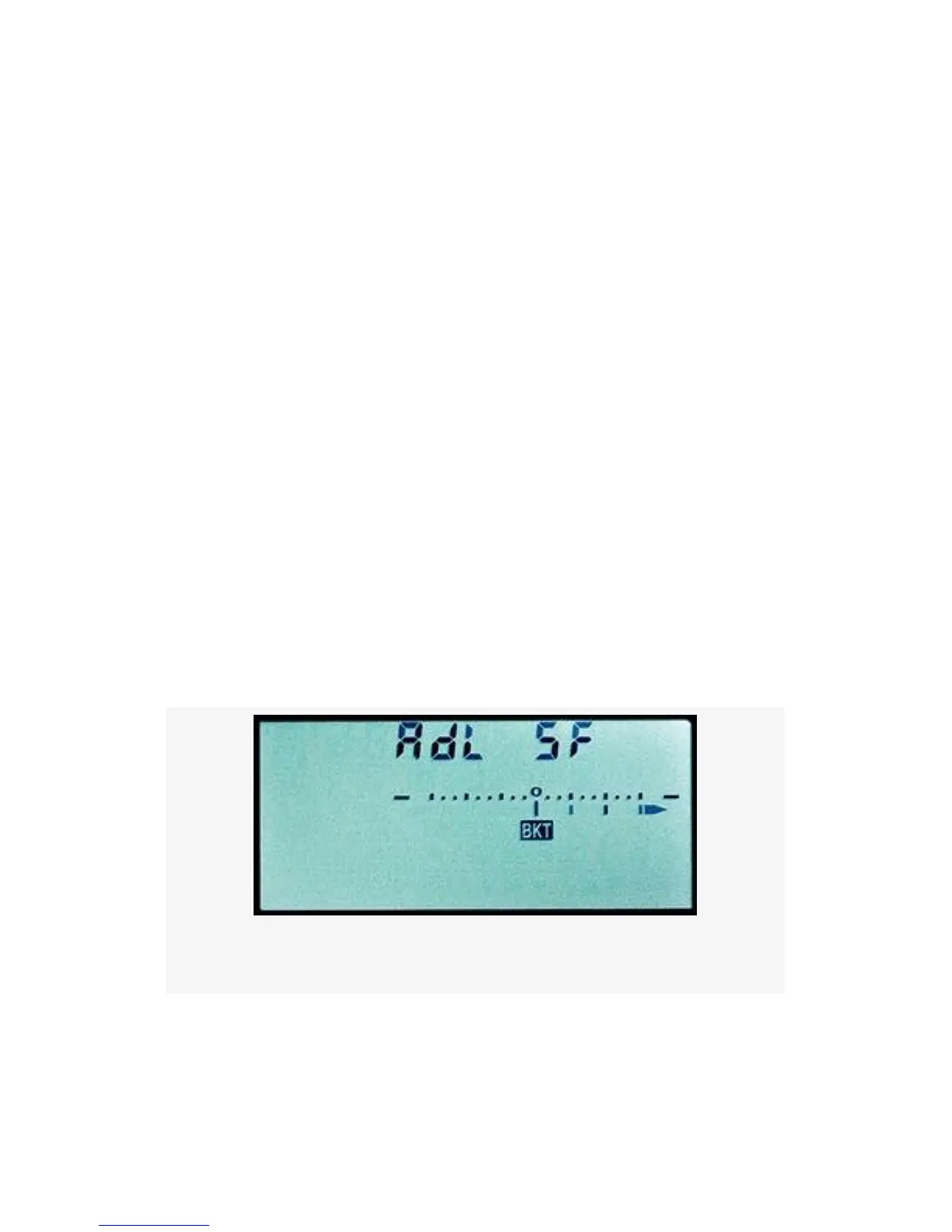
want in the bracket (1 to 5 images). You’ll see AdL on
the top left of the Control panel and the number of
frames in the bracket series on the top right (5F).
Figure 4-60 shows a bracket of five frames, which means
that the camera will use all five available levels of
Active D-Lighting as the five images are taken.
3. You’ll only be able to see hanging lines under the +/-
scale for four of the shots—an arrow points to the right
for the fifth. Custom setting e7 > Bracketing order does
not apply to ADL bracketing.
4. Take the bracketed series. If you use Continuous release
(CL or CH), you can shoot the number of frames in your
bracket by holding down the Shutter-release button.
Once the bracket is complete, the camera will stop firing.
As each shot is taken, you’ll see one of the vertical lines
just above the BKT symbol disappear.
Figure 4-60. Five frame bracket
My Recommendation: This is a great way to capture very
important shots and try to get extra shadow detail and
highlight protection in some of them. You may not need ADL
374


 To Next Page
 Loading...











