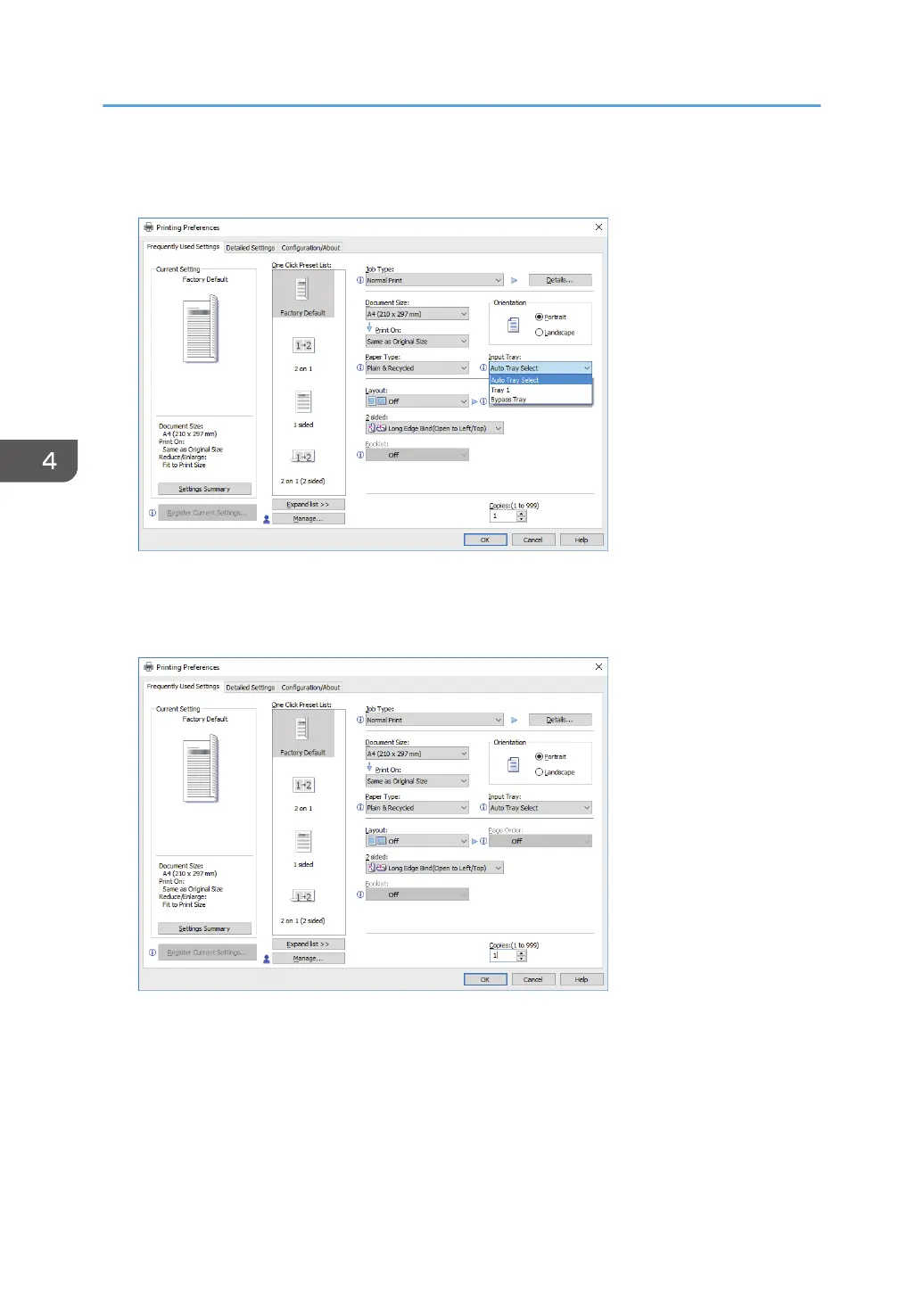
9. In the "Input Tray:" list, select the paper tray that contains the paper you want to print
onto.
If you select [Auto Tray Select] in the "Input Tray:" list, the paper tray is automatically selected
according to the paper size and type specified.
10. If you want to print multiple copies, specify a number of sets in the "Copies:" box.
11. Click [OK].
12. Start printing from the application's [Print] dialog box.
4. Print
134


 To Next Page
 Loading...