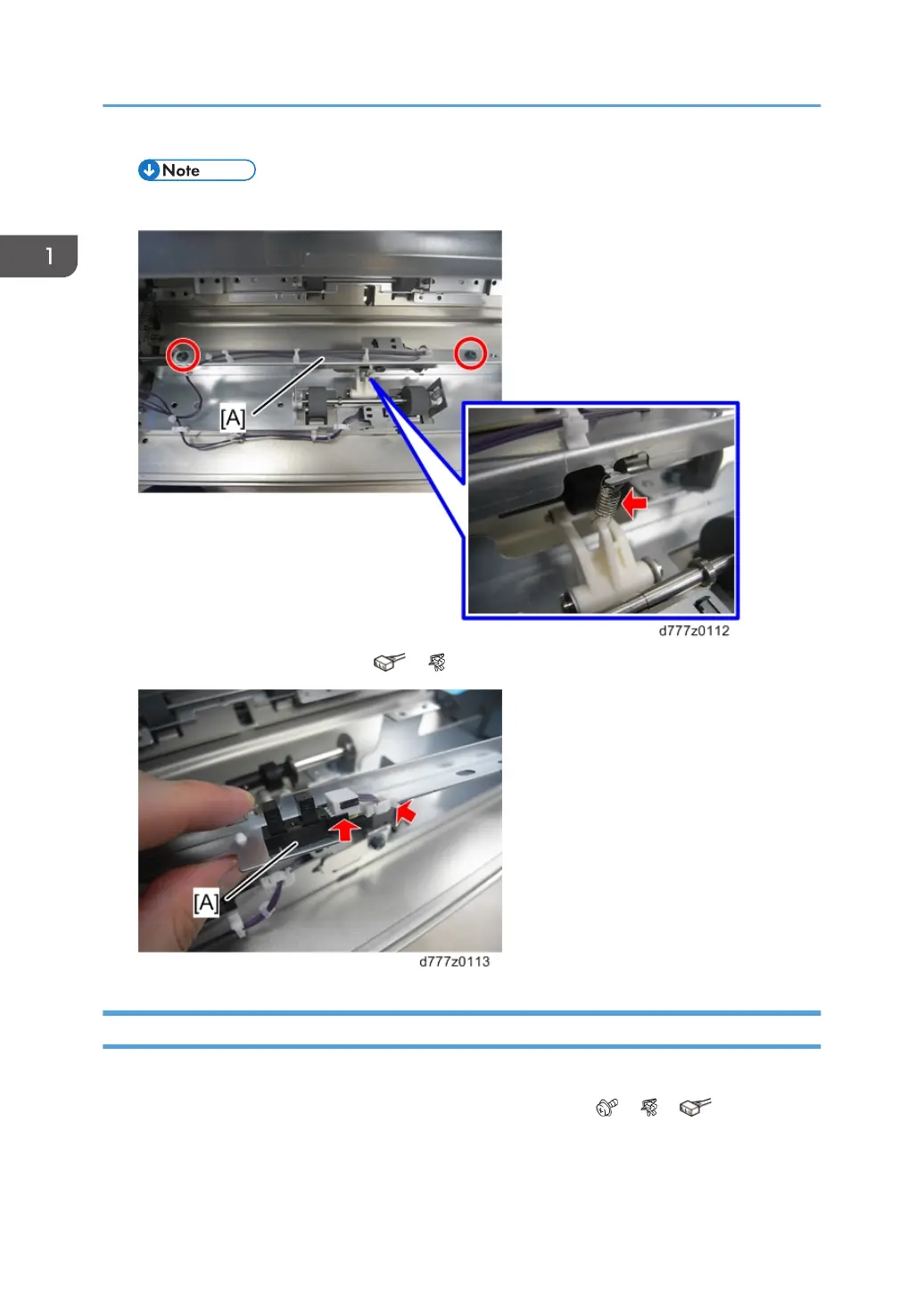
• The top stay is in the way. Use a small screwdriver to remove it.
3. LCIT exit roller contact sensor [A] ( x1, x1)
Vertical Transport Unit Cooling Fan
1. Remove the rear right and rear left covers (page 8 "Rear Right Cover", page 8 "Rear Left Cover").
2. Remove the vertical transport unit cooling fan [A] with the bracket ( x2, x1, x1).
1. Replacement and Adjustment
78



 To Next Page
 Loading...