Phone Calls and Voicemail 57
Answer an Incoming Call
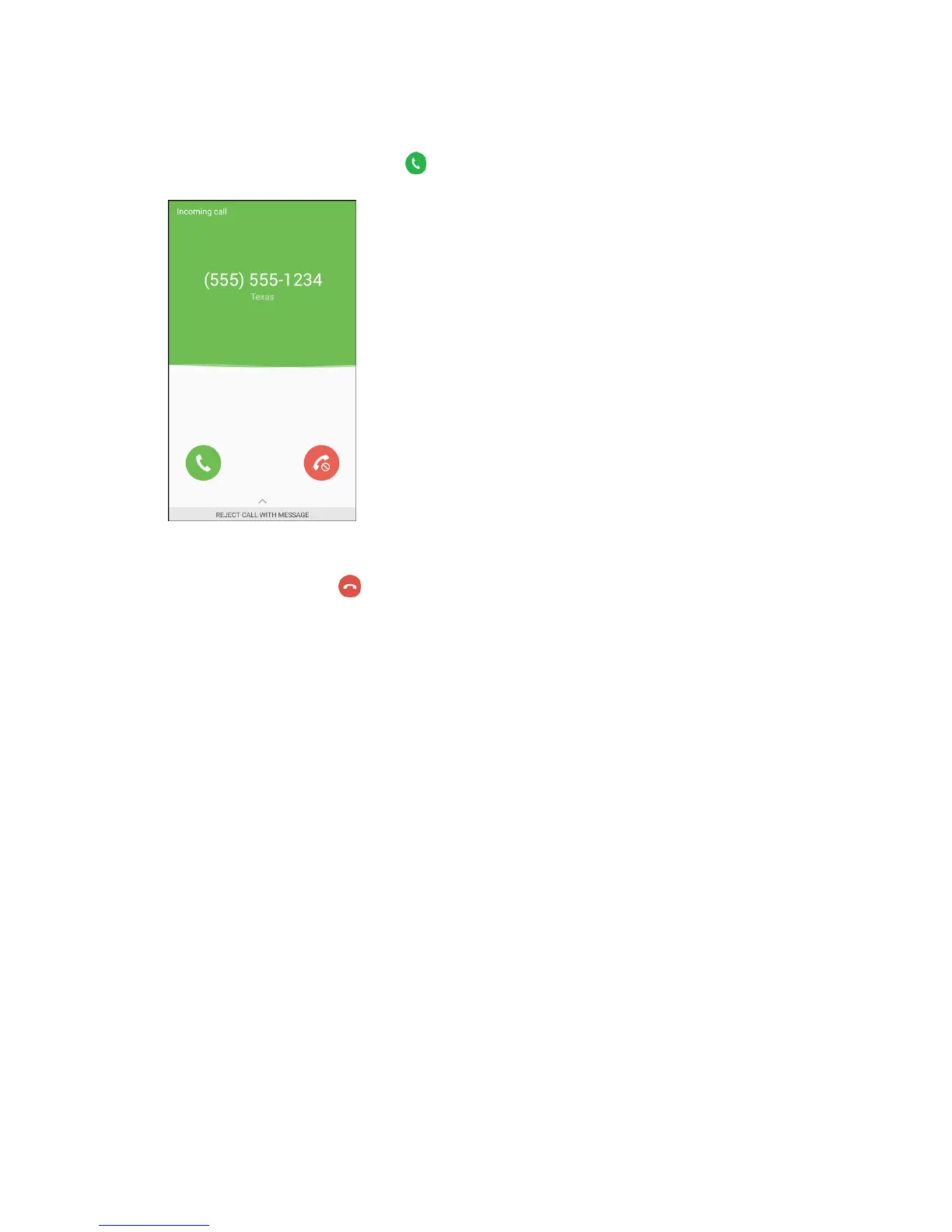
1. When a call arrives, slide Answer to the right to answer it.
The call begins.
2. To end the call, tap End .
The call ends.
Mute the Ringing Sound
To mute the ringer without rejecting the call:
■ Press the Volume key down.


 To Next Page
 Loading...