Playback
35
GB
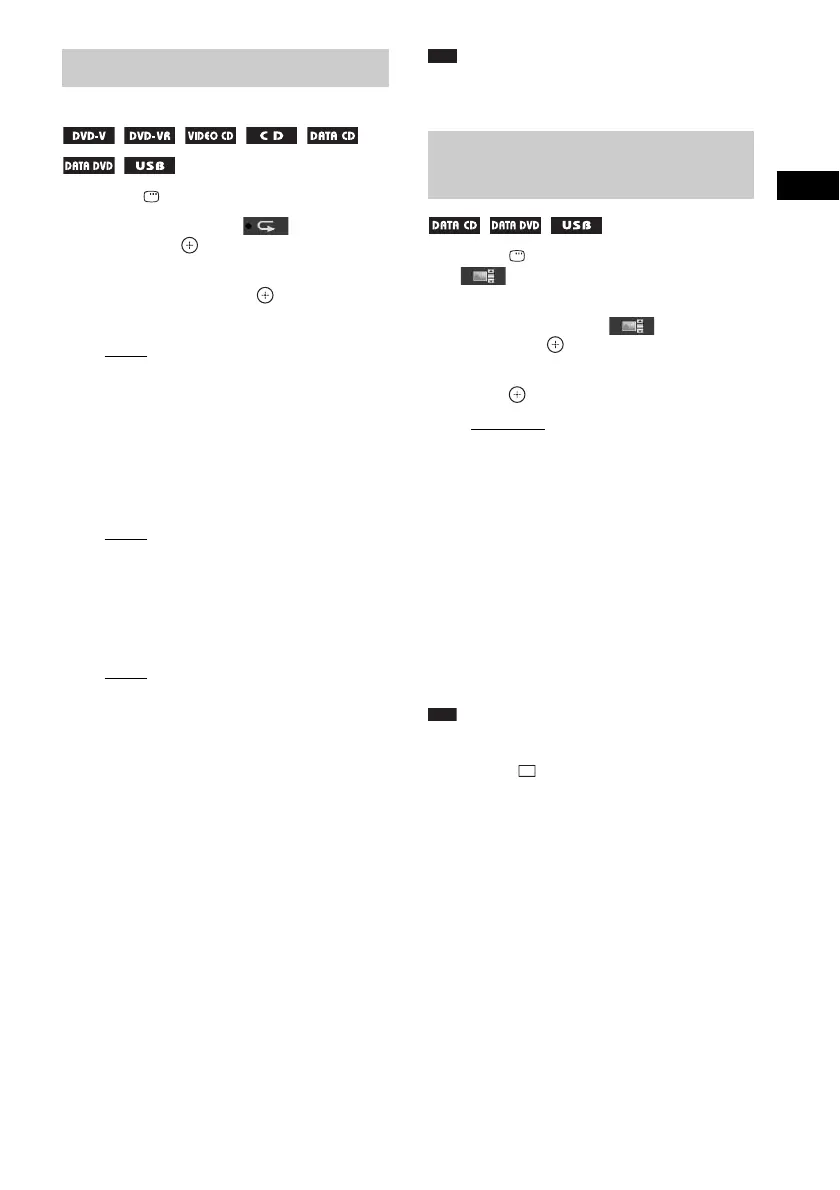
1 Press DISPLAY during playback.
2 Press X/x to select [REPEAT],
then press .
3 Press X/x to select the item to be
repeated, then press .
x DVD VIDEO/DVD-VR
•[OFF]: Off.
• [DISC]: You can repeat all of the titles on
the disc.
• [TITLE]: You can repeat the current title
on a disc.
• [CHAPTER]: You can repeat the current
chapter on a disc.
x VIDEO CD/CD
•[OFF]: Off.
• [DISC]: You can repeat all of the tracks
on the disc.
• [TRACK]: You can repeat the current
track.
x DATA CD/DATA DVD/USB device
•[OFF]: Off.
• [DISC] (DATA CD/DATA DVD only):
You can repeat all of the folders on the
disc.
• [MEMORY] (USB device only): You can
repeat all of the folders on the USB
device.
• [FOLDER]: You can repeat the current
folder.
• [TRACK] (audio files only): You can
repeat the current file.
• [FILE] (video files only): You can repeat
the current file.
4 Press N to start Repeat Play.
To return to normal playback
Press CLEAR while holding down SHIFT, or
select [OFF] in Step 3.
Note
• You cannot use Repeat Play with a VIDEO CD or
Super VCD with PBC playback.
1 Press DISPLAY repeatedly until
[EFFECT] appears on the
control menu.
2 Press X/x to select [EFFECT],
then press .
3 Press X/x to select a setting, then
press .
• [MODE 1]: The JPEG image file sweeps
in from the top to the bottom of the TV
screen.
• [MODE 2]: The JPEG image file stretches
out from the left to the right of the TV
screen.
• [MODE 3]: The JPEG image file stretches
out from the center of the TV screen.
• [MODE 4]: The JPEG image files
randomly cycle through the effects.
• [MODE 5]: The next JPEG image file
slides over the previous image.
• [OFF]: Off.
Note
• The [EFFECT] setting is not effective when you set
[JPEG RESOLUTION] in [HDMI SETUP] to [(1920
× 1080i) HD ] or [(1920 × 1080i) HD] (page 51).
• The [EFFECT] setting cannot be selected when you
are playing a disc that does not contain JPEG image
files or a USB device, or when you set [MEDIA] to a
setting that cannot play JPEG image files.
Playing repeatedly
(Repeat Play)
Selecting an effect for the
slide show


 To Next Page
 Loading...