network providers can use this number to stop the device from accessing the network in
your country.
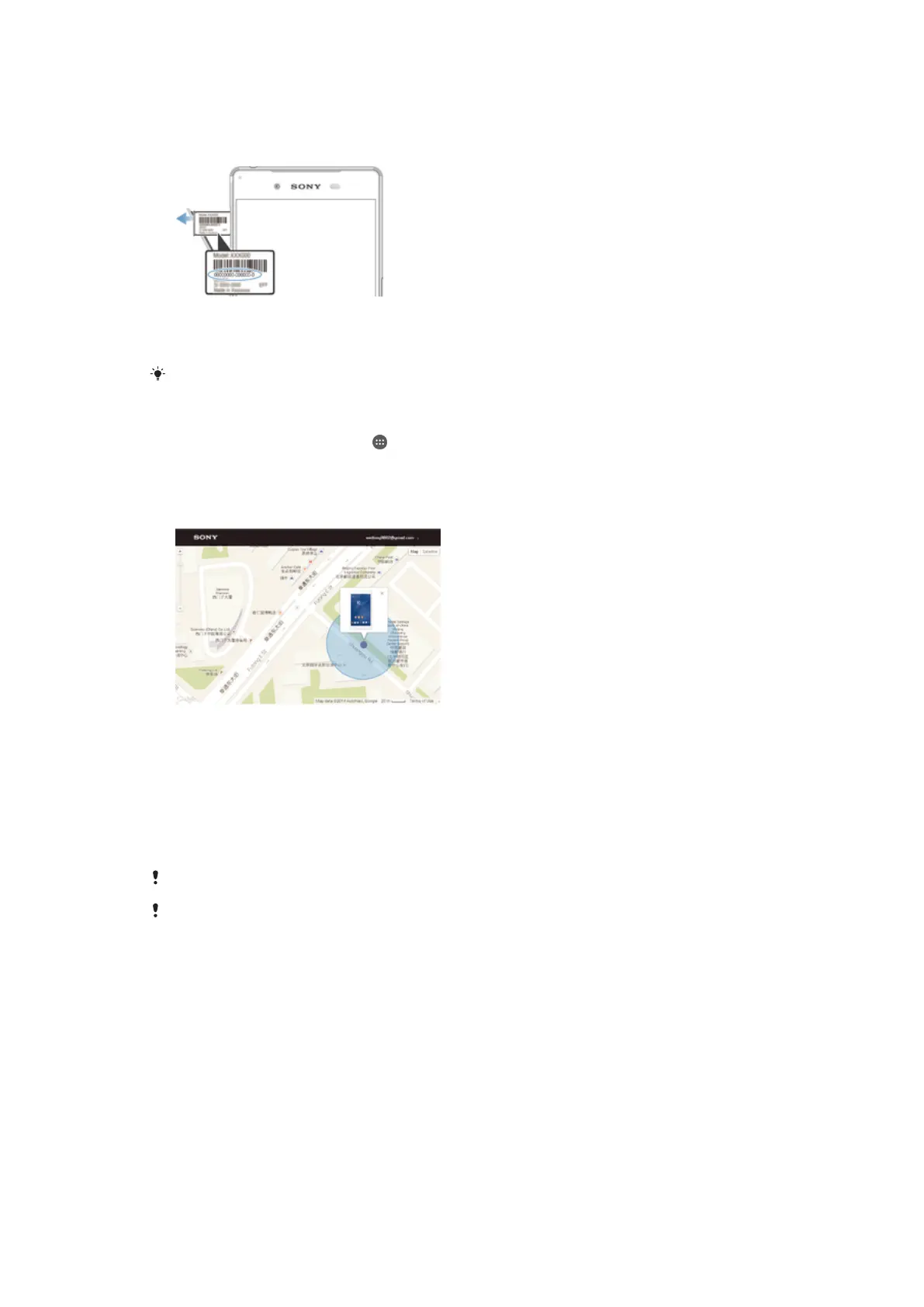
To view your IMEI number on the label tray
1 Open the cover for the nano SIM and memory card slot.
2 Place a fingernail or other object with a long, fine tip under the edge of the label
tray, then drag the tray outwards. The IMEI number is displayed on the label tray.
To view the IMEI number, you can also open the phone dialer and enter *#06#.
To View Your IMEI Number via the Device Settings
1 From your Home screen, tap
.
2 Find and tap Settings > About phone > Status > IMEI information.
Finding a Lost Device
If you have a Google™ account, the “Protection by my Xperia" web service can help you
locate and secure your device if you ever lose it. If you have activated this service on your
device, you can:
• Locate your device on a map.
• Sound an alert, even if the device is in Do not disturb mode.
• Remotely lock the device and make the device display your contact details to anyone
who finds it.
• Remotely clear the internal and external memory of the device as a last resort.
The “Protection by my Xperia” service may not be available in all countries or regions.
If you’ve cleared the internal memory of the device using the “Protection by my Xperia” web
service, you must sign in to a Google™ account that was previously synced on this device the
next time you turn on the device.
21
This is an Internet version of this publication. © Print only for private use.


 To Next Page
 Loading...




