Help Guide
Wireless Speaker
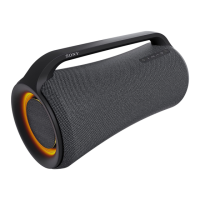
SRS-XP700 / SRS-XP500
The sound from the speaker contains noise, skips, or is distorted
The connected USB device is not compatible with the speaker. Check on the information about the compatible
devices.
Turn off the speaker, disconnect and reconnect the USB device, and then turn the speaker back on.
Make sure that the audio file itself does not contain noise or distortion. Noise may be generated while an audio file is
encoded. If this is the case, delete the audio file and encode the original audio file all over again. If the sound from
the speaker contains nose or is distorted always at the same point in playback, this suggests that the file itself has a
problem.
The bit rate setting for creating or encoding audio files is low. Increase the bit rate and encode the original audio file
on the USB device.
Related Topic
Connecting with a USB device
5-027-167-11(1) Copyright 2021 Sony Corporation



 To Next Page
 Loading...